

Hey there, creative soul! 🎨✨ If you’ve ever spent hours wrestling with Photoshop layers, tweaking shadows by hand, or painstakingly making a pattern repeat (we’ve all been there!), then you’re in for a treat. Today, we’re diving deep into the brilliant h3design collection—a treasure trove of plugins and utilities that will supercharge your workflow and spark your imagination. Whether you’re a seasoned pro or just starting your digital art journey, these tools are absolute game-changers. Let’s explore the top 7 picks that will make you fall in love with Photoshop all over again! 🚀
Why Use These h3design Tools?
Let’s be real for a second: creativity shouldn’t be bogged down by repetitive, boring tasks. The h3design collection is built exactly for that reason—to automate the mundane stuff so you can focus on the fun part: making awesome art! 🎉 From lightning-fast shadow effects to effortless seamless patterns, these plugins handle the heavy lifting, saving you hours of work. They’re like having a super-efficient design assistant right inside Photoshop, ready to turn your “I wish I could just click a button” moments into reality.
Top 7 h3design Collection Picks
Shadowify 2 – Blur & Shadow Plugin
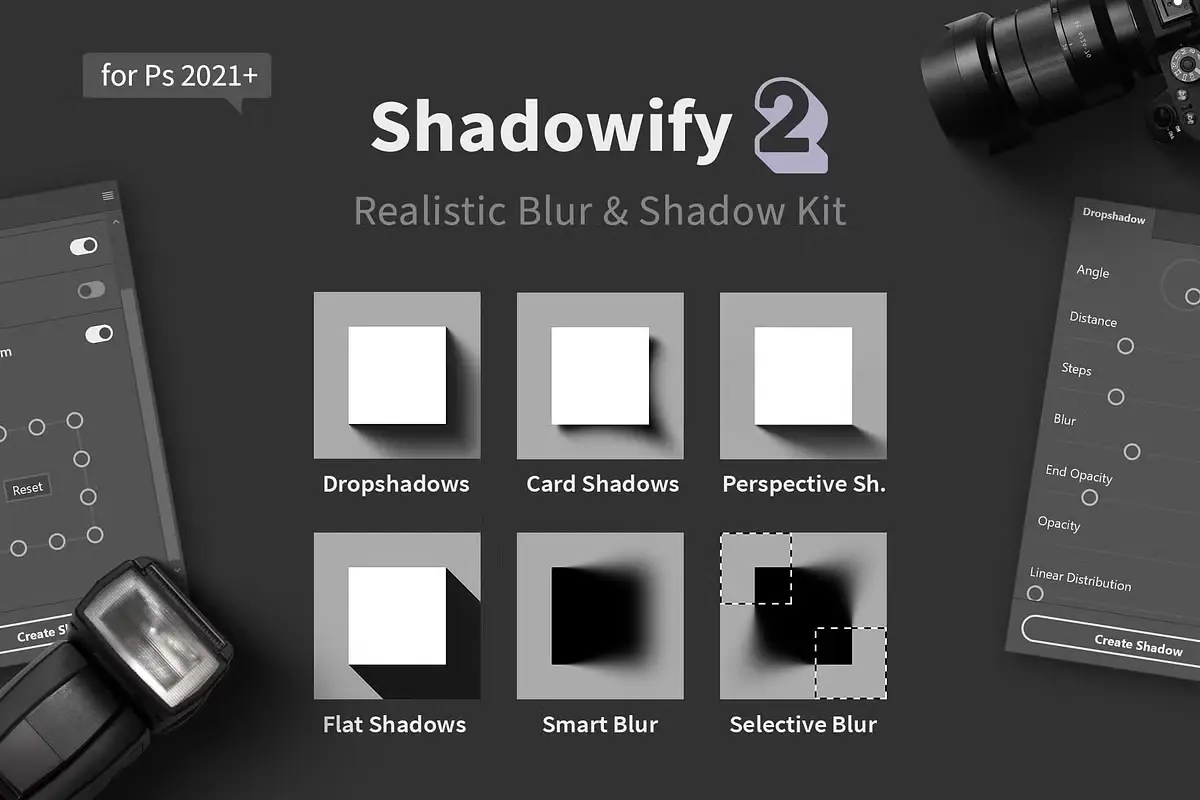
Oh, this one is pure magic! 🌟 Shadowify 2 takes the headache out of creating realistic blurs and drop shadows. Just play with a few sliders, and boom—your designs get that jaw-dropping depth and dimension instantly. Whether you need a soft, dreamy blur or a crisp, dramatic shadow, this plugin makes it feel effortless. It’s like having a lighting studio right in your toolbar! 💡
Seamless 2 – Pattern Utility Plugin
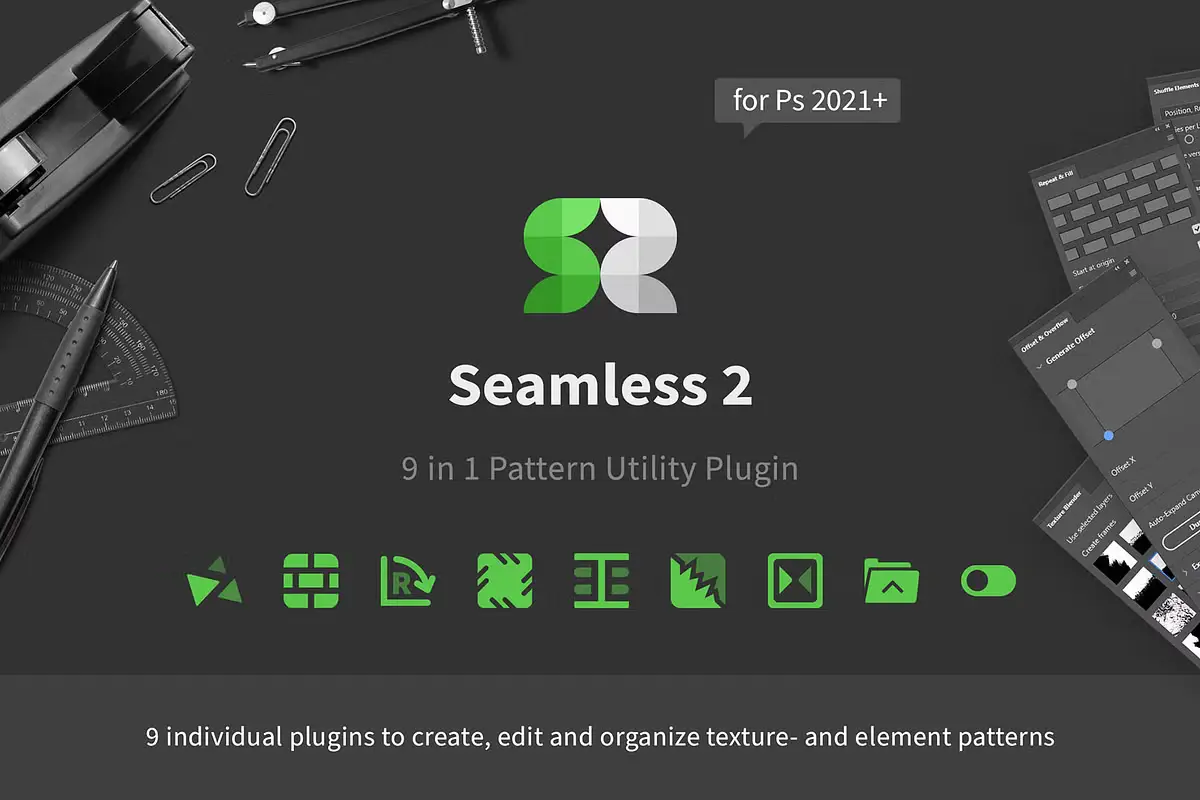
Say goodbye to those awkward, obvious pattern seams! 👋 Seamless 2 is your new best friend for crafting gorgeous, repeating patterns in Photoshop. This plugin streamlines the entire process, handling all the boring math so you can focus on colors and shapes. Whether you’re designing fabric prints, wallpapers, or digital backgrounds, this tool makes seamless perfection an absolute breeze. 🌀
ReOrder – Layer Panel Sorting Kit
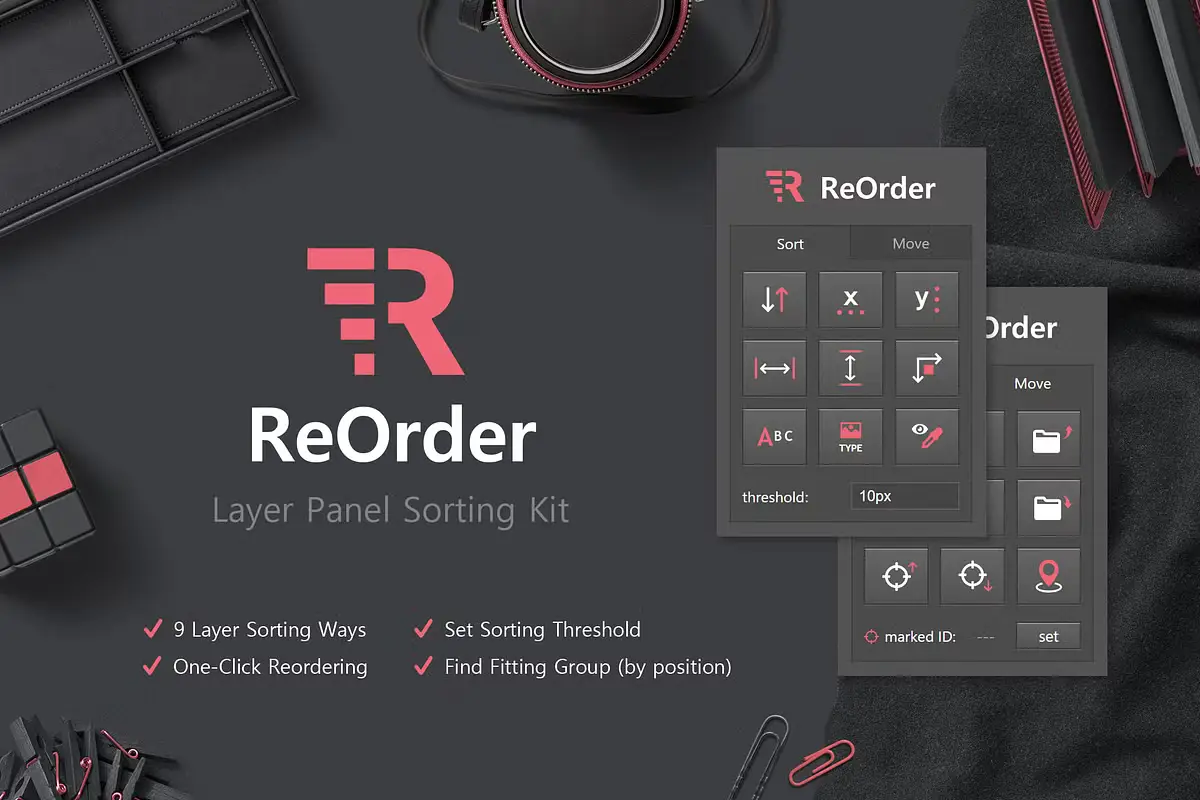
If your Photoshop layers look like a chaotic explosion, this one’s for you! 🤯 ReOrder brings instant sanity to your layer panel. Sort your layers effortlessly by name, color, or type, and keep those huge PSD files tidy and navigable. No more endless scrolling or “Where did I put that group?!” moments. It’s the organizational superpower every digital artist secretly craves! 🧹
Easy Cut – Layer Splitting Kit
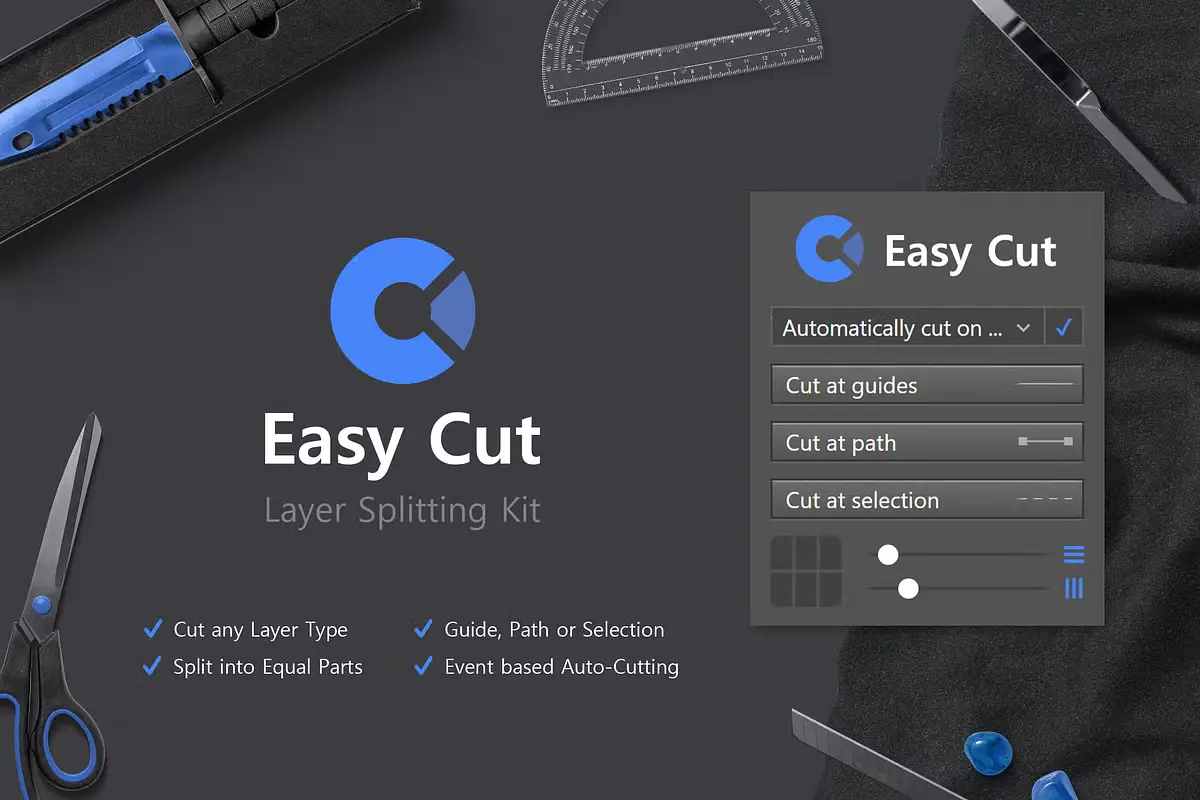
Need clean, professional layer splits without the headache? ✂️ Easy Cut is your new best buddy. This kit simplifies the process of splitting up your layers, making complex edits feel like a walk in the park. Perfect for isolating elements or creating intricate compositions, it gives you salon-quality precision with zero fuss. Your inner perfectionist will thank you! 💇♀️
Seamless 2 – Pattern Utility Plugin (v2)
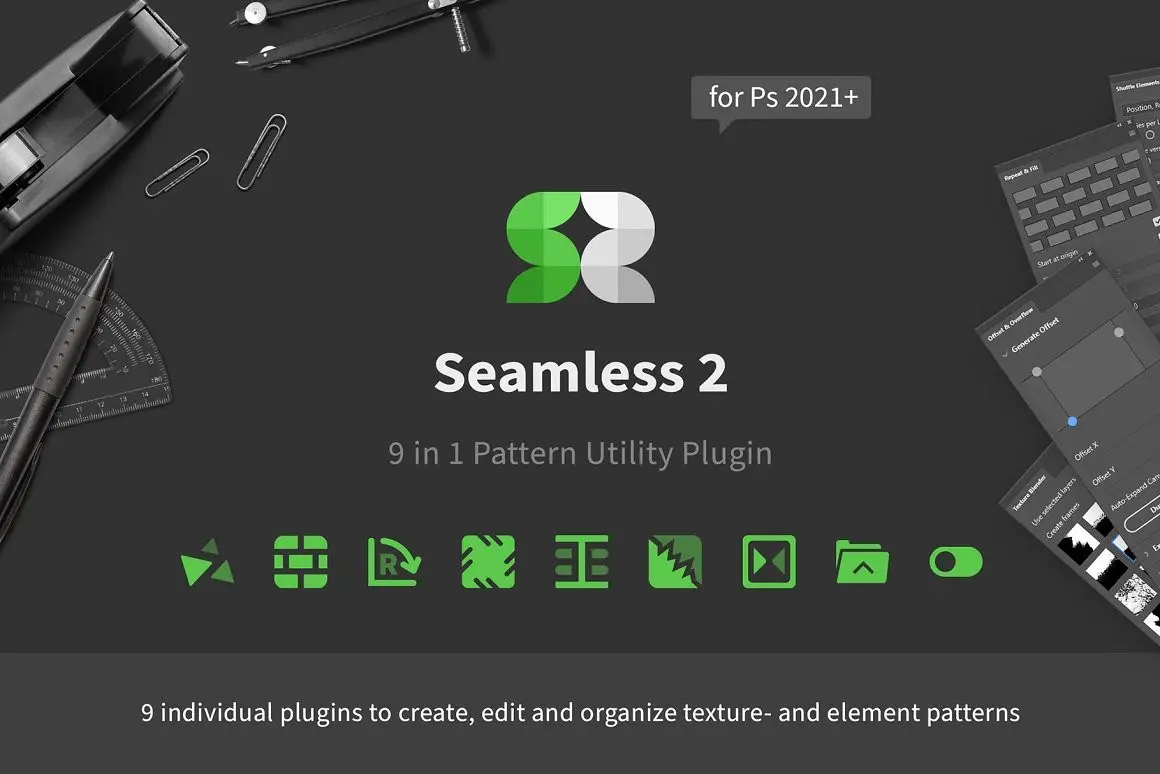
You loved the first version? Get ready to be blown away! 💥 This enhanced version of Seamless 2 packs nine specialized sub-plugins into one powerhouse tool. From fixing edges to tiling like a pro, it tackles every pattern challenge imaginable. Your workflow will feel lightning-fast, and your patterns will look absolutely flawless. It’s pattern creation on steroids (in the best way possible)! 🚀
Texture Blender – Mix Two Textures
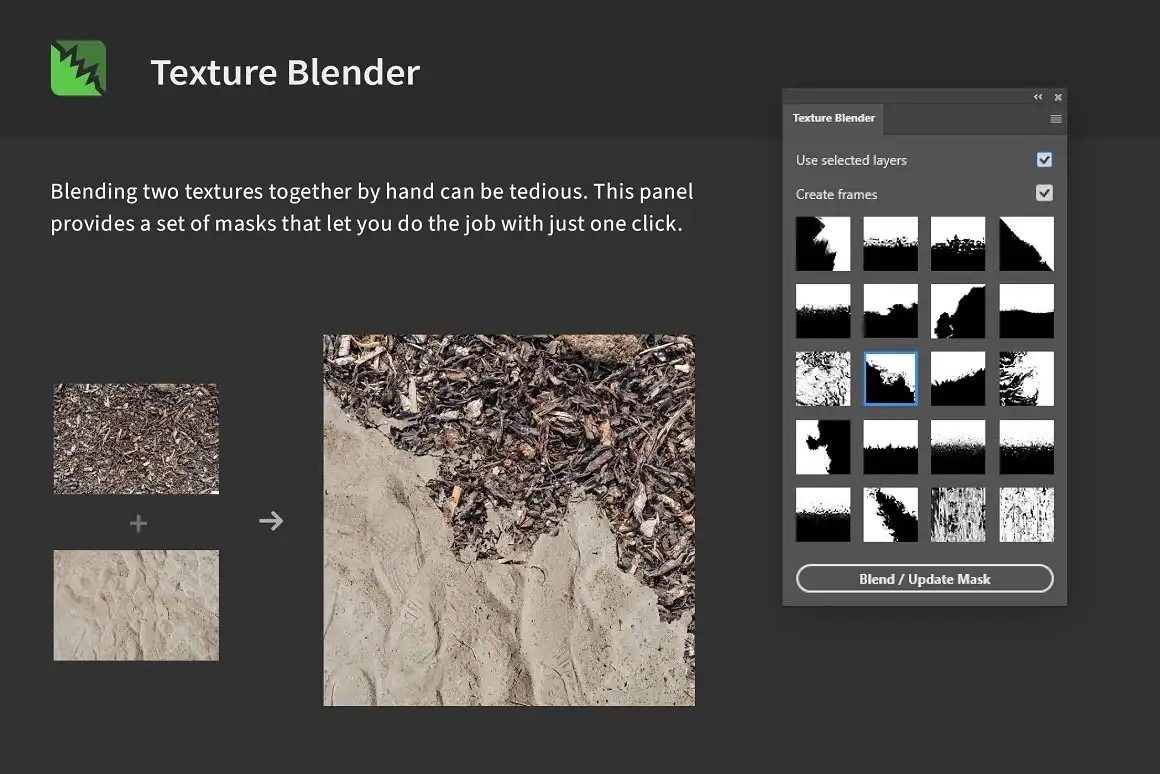
Ready to add some serious texture flavor to your projects? 🎭 Texture Blender lets you mix two textures together with a single click! It’s incredibly intuitive—just load up your textures, hit blend, and watch the magic happen. Perfect for creating unique backgrounds, grunge effects, or painterly finishes. This plugin is a total creativity booster, making every project feel fresh and tactile! 🖌️
Shadowify 2 – Blur & Shadow Plugin (Alternate Version)
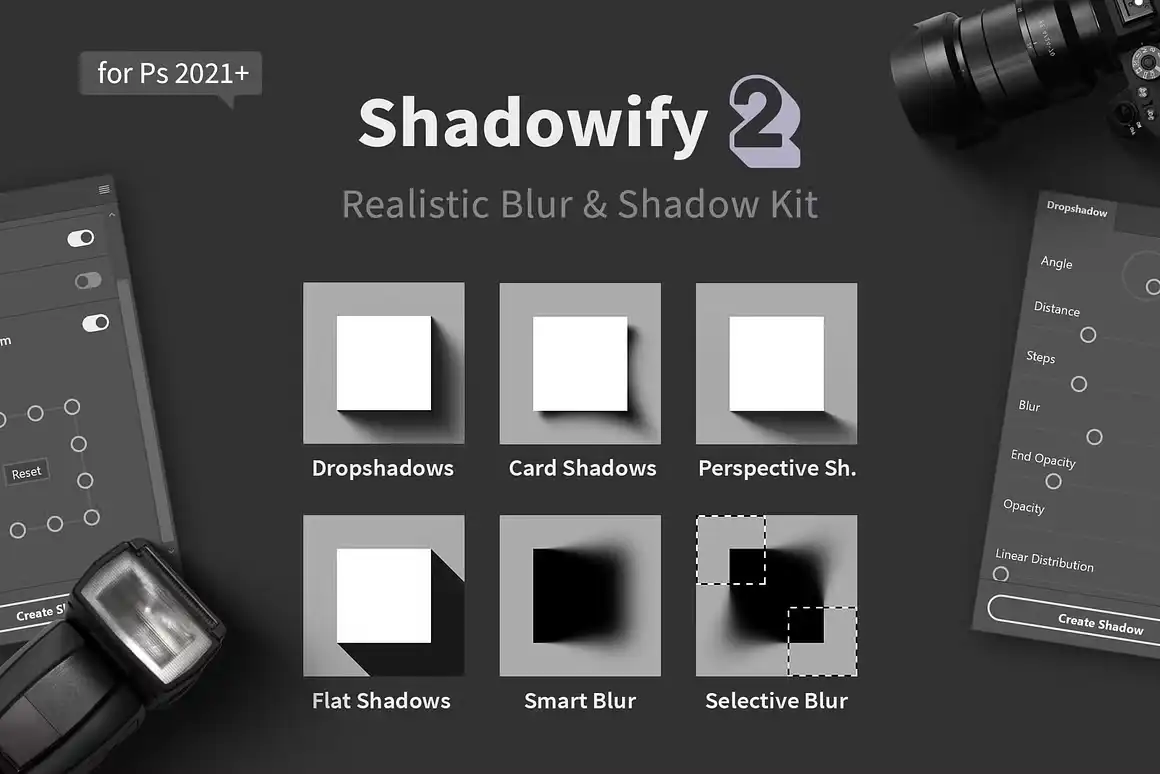
Yes, there’s more Shadowify goodness! 🌈 This alternate offering of Shadowify 2 brings the same incredible blur and shadow power to your fingertips. Perfect for creating everything from subtle realism to bold, artistic drop shadows. Just a few tweaks and your artwork instantly gains stunning, professional depth. It’s the kind of tool that makes you wonder how you ever lived without it! 🎯
Conclusion
And there you have it, my creative friend! 🎨 The h3design collection is honestly a goldmine for anyone who uses Adobe Photoshop seriously. From effortless shadows and seamless patterns to perfect layer organization and texture blending, these plugins handle the hard stuff so you can shine. Each tool is thoughtfully crafted to save you time, reduce frustration, and amplify your creative potential. So go ahead—grab your favorites, dive in, and start making art that truly stands out! ✨
Frequently Asked Questions
Are h3design plugins compatible with all versions of Adobe Photoshop?
Yes! The h3design collection is designed to work smoothly with most modern versions of Adobe Photoshop (CC 2018 and later). Always check the product description for specific version requirements to ensure peak performance! 🖥️
Do these tools work on both Windows and macOS?
Absolutely! All plugins from the h3design collection are cross-platform compatible, meaning they’ll run perfectly on both Windows and macOS systems. No matter your setup, you’re good to go! 💻🍏
Can I use multiple h3design plugins together in one project?
For sure! In fact, they’re designed to complement each other beautifully. Imagine using Shadowify 2 to add depth, Seamless 2 for a repeating pattern, and ReOrder to keep everything tidy—your workflow will be unstoppable! 🚀


