

Hey there, creative soul! 👋 Are you tired of spending hours tweaking layers and brushes to get that perfect artistic look? We’ve all been there—sitting in front of the screen, coffee in hand, just wishing for a magic wand. Well, wave goodbye to the struggle because the One-Touch Collection is here to save the day! 🚀 From breathtaking painting effects to vibrant gradients that make your work pop, this bundle of 12 assets is a digital artist’s dream come true. Let’s dive into this treasure chest and unlock your next masterpiece! ✨
Why Use These One-Touch Tools?
Time is money, and creativity shouldn’t be a grind. These one-click actions and assets are designed to fast-track your workflow while keeping your art looking fresh and professional. Whether you’re a portrait photographer, a graphic designer, or a social media whiz, these tools add that “wow” factor in seconds. 🎨 Plus, they’re so easy to use that even beginners can create stunning results without breaking a sweat!
Top 12 One-Touch Picks
PRO Painted Painting Photoshop Action
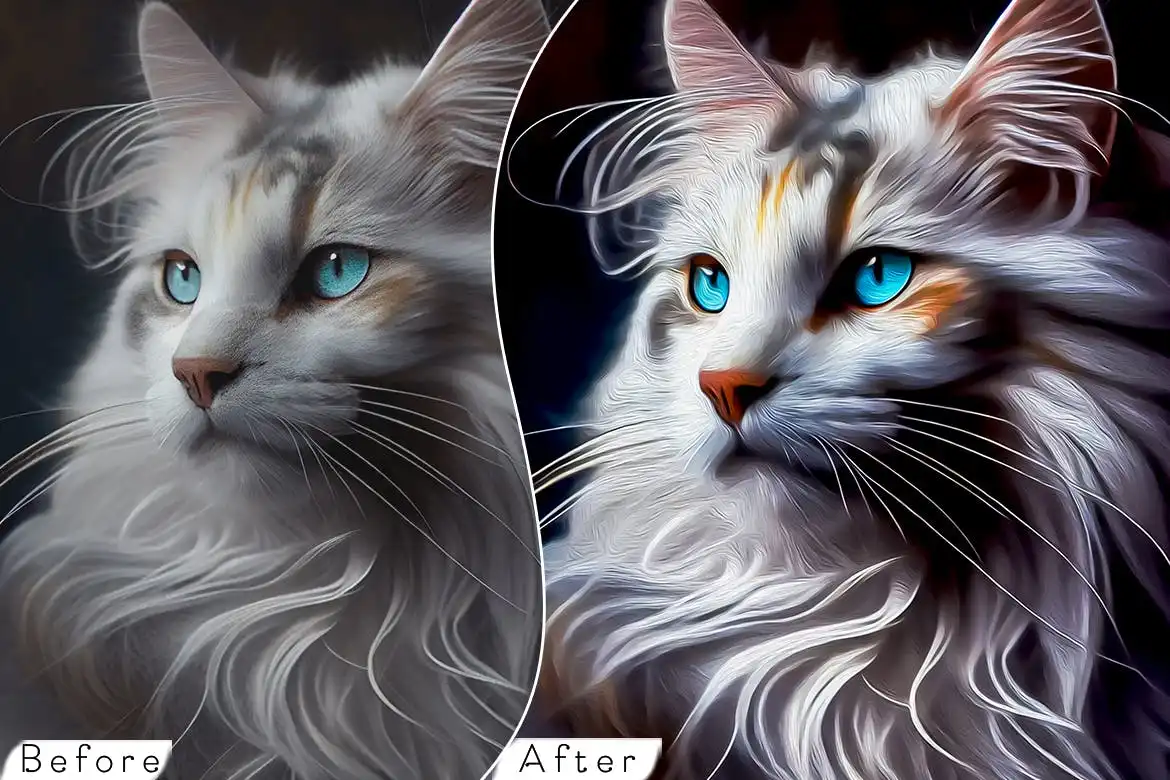
Turn your photos into gallery-worthy painted masterpieces with just one click! 🖌️ This action brings that rich, textured oil painting vibe to your images—perfect for adding a timeless, artistic feel to your portfolio.
Dramatic Painting Photoshop Action
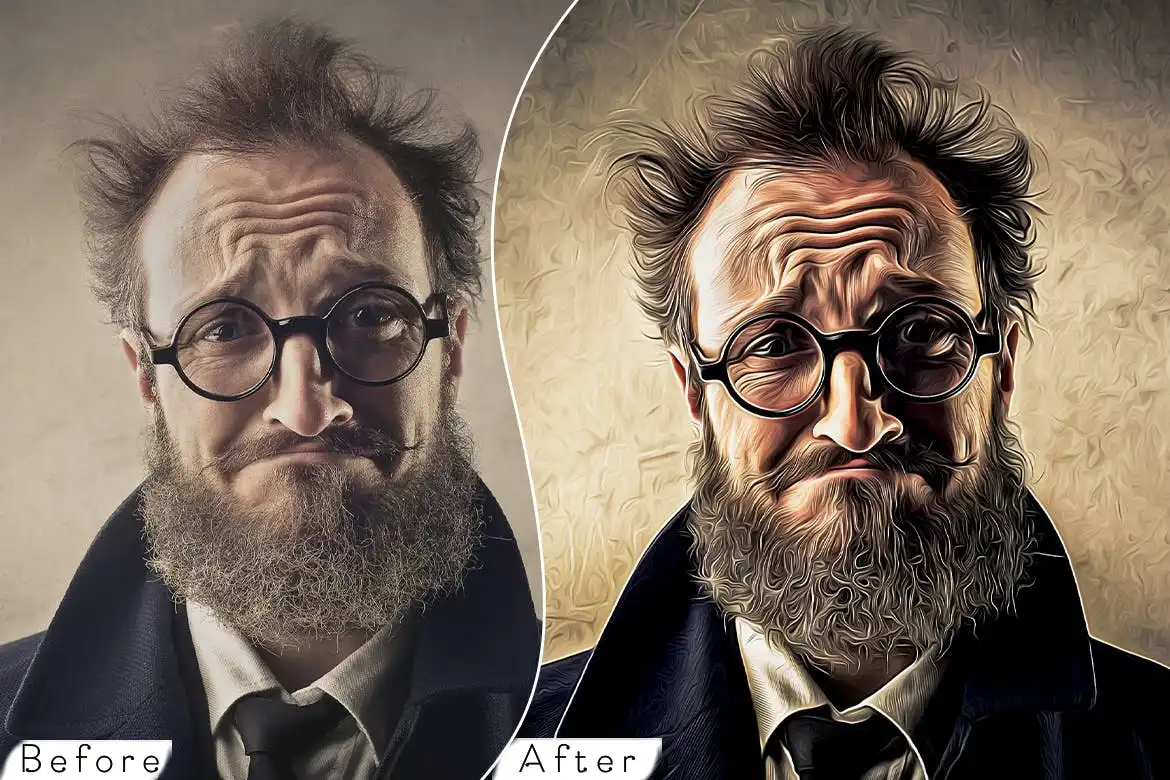
Want to add some serious mood and intensity to your shots? 🌩️ This action creates bold, cinematic painting effects that bring out shadows and highlights like a pro—ideal for portraits and landscapes that need a little drama!
Cartoon Painting Photoshop Actions
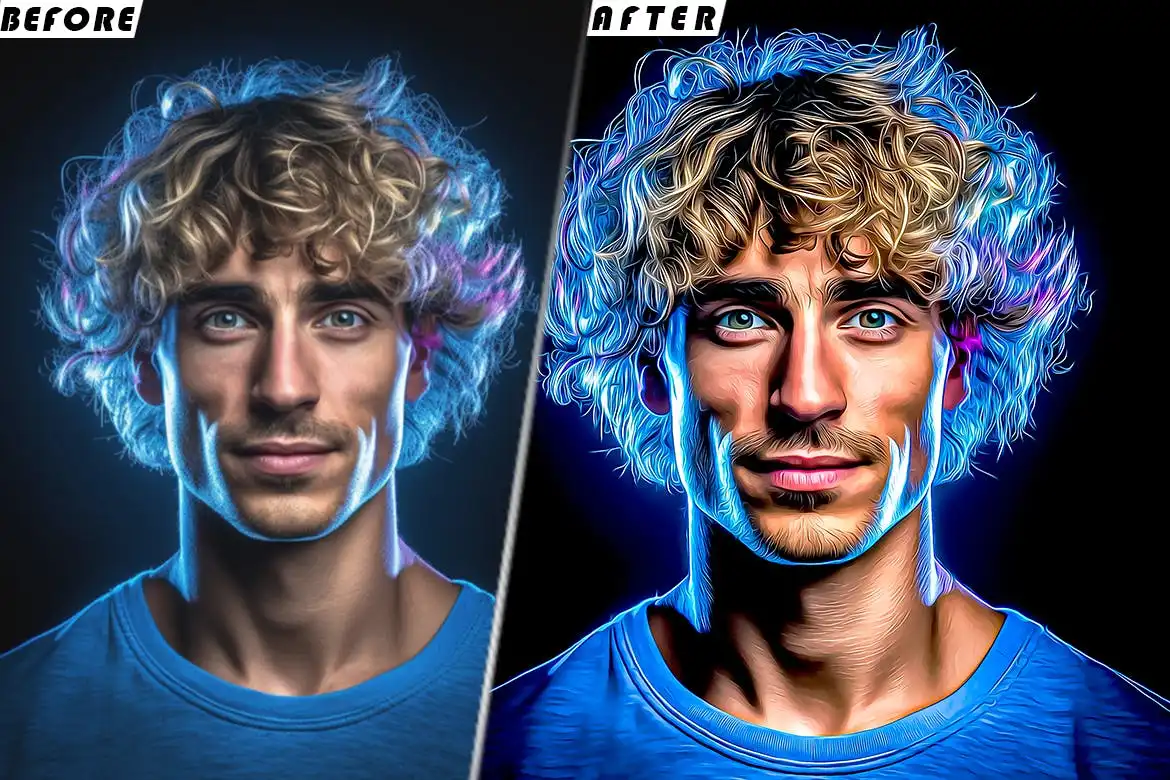
Bring out your inner child and turn photos into fun, lively cartoon art! 🎉 Perfect for creating quirky avatars, social media stickers, or just adding a playful twist to your everyday pics. One click, endless smiles!
36 Gold Gradients Photoshop
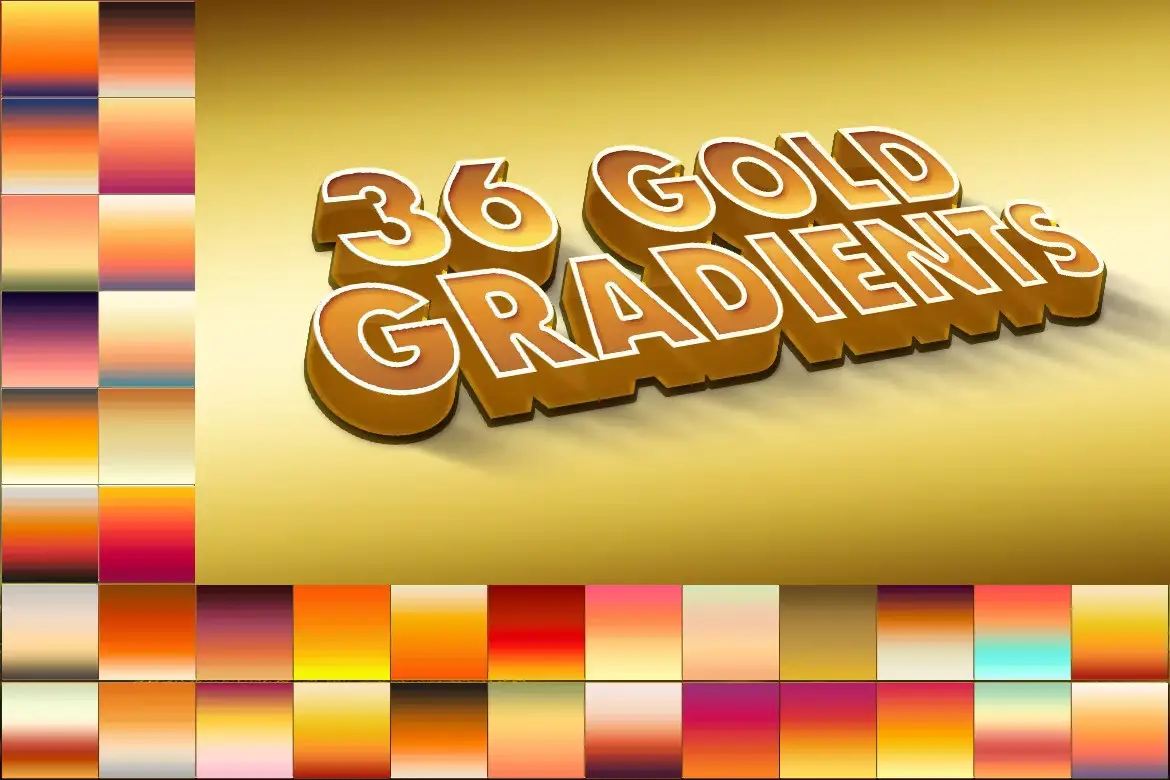
Add a touch of luxury and elegance to your designs with 36 stunning gold gradients! ✨ From champagne shimmer to deep metallic tones—these are perfect for logos, invitations, or branding that screams premium.
36 Pastel Photoshop Gradients
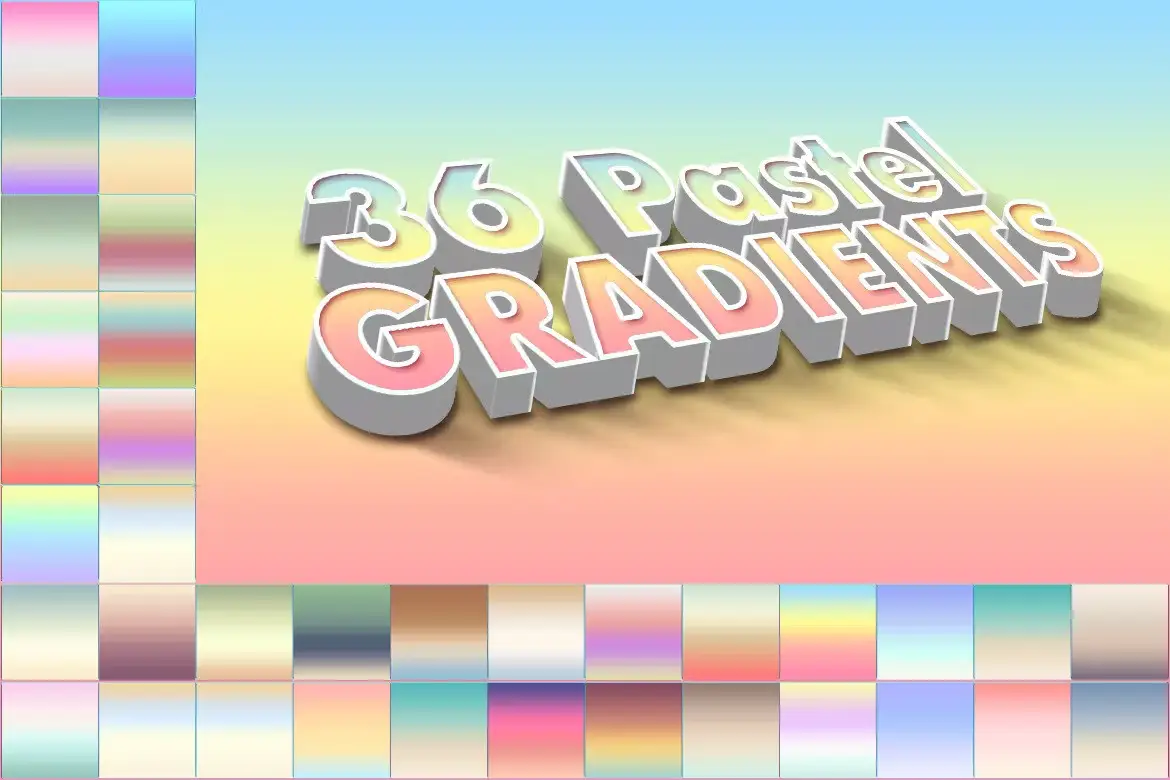
Soft, dreamy, and oh-so-pretty—these pastel gradients are a must for any aesthetic lover! 🌸 Use them to create gentle backgrounds, trendy social media posts, or brand visuals that feel calm and modern.
Watercolor painting sketch photo effect PSD
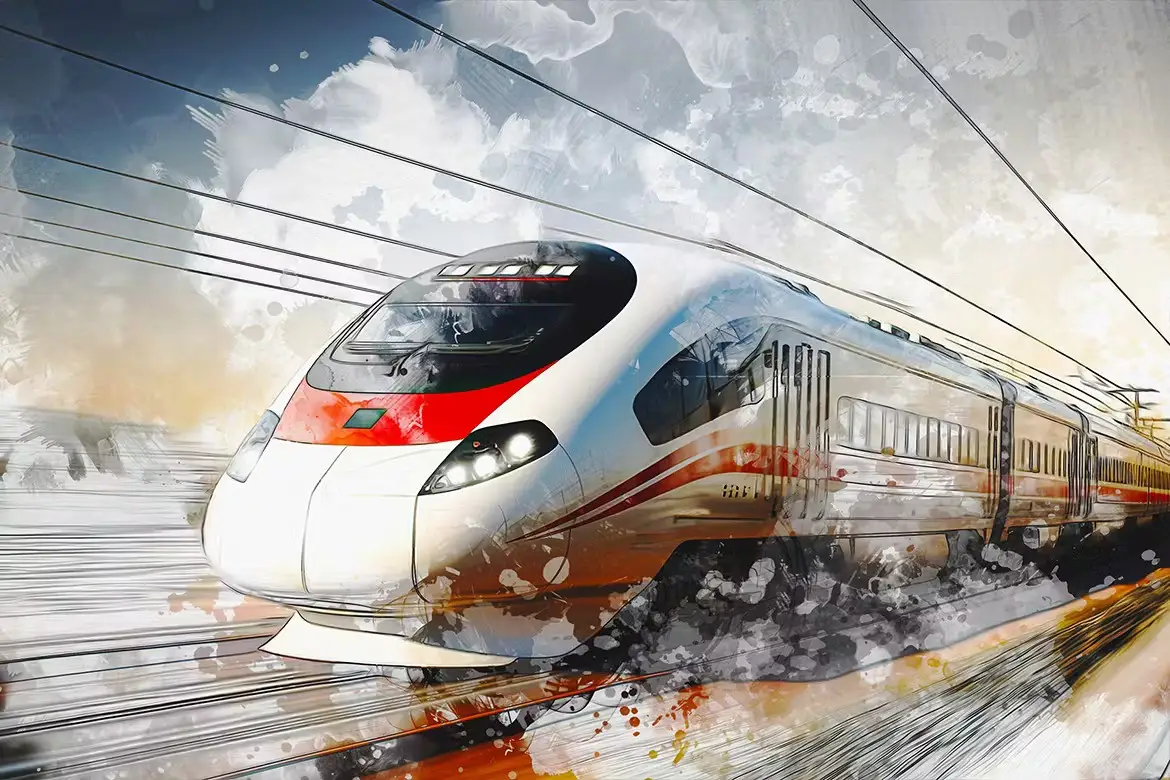
Who doesn’t love the watery, whimsical feel of watercolors? 🌊 This PSD effect gives your photos that authentic hand-painted sketch look—perfect for wedding albums, nursery decor, or artistic portraits.
36 Winter Photoshop Gradients
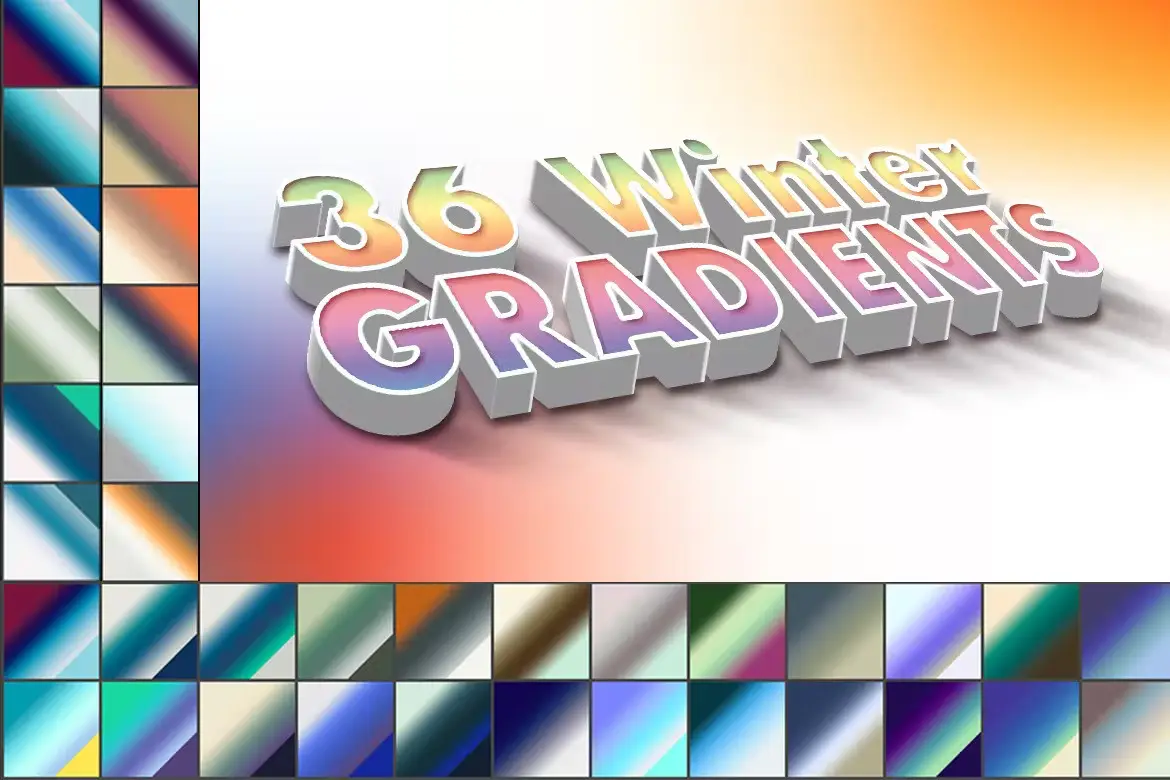
Brrr… but make it beautiful! ❄️ These chilly gradients capture the magic of winter—icy blues, crisp whites, and cozy greys. Ideal for holiday cards, seasonal branding, or any project that needs a frosty touch.
20 Abstract Backgrounds
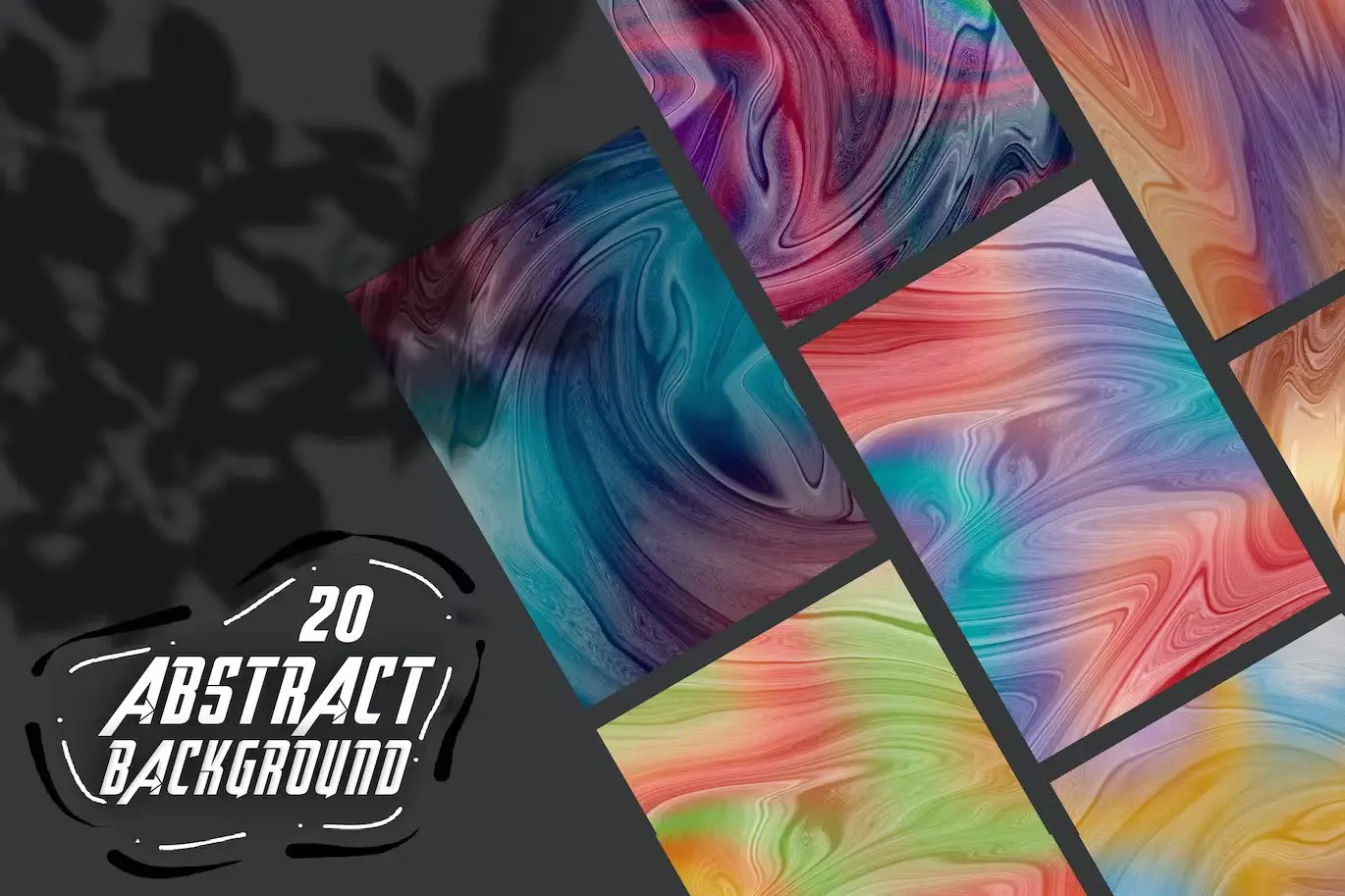
Say goodbye to boring backgrounds! 🎉 These 20 abstract, modern gradients are bursting with color and energy—perfect for posters, presentations, or social media banners that need to stand out.
Watercolor Painting Photo Effect Psd Template
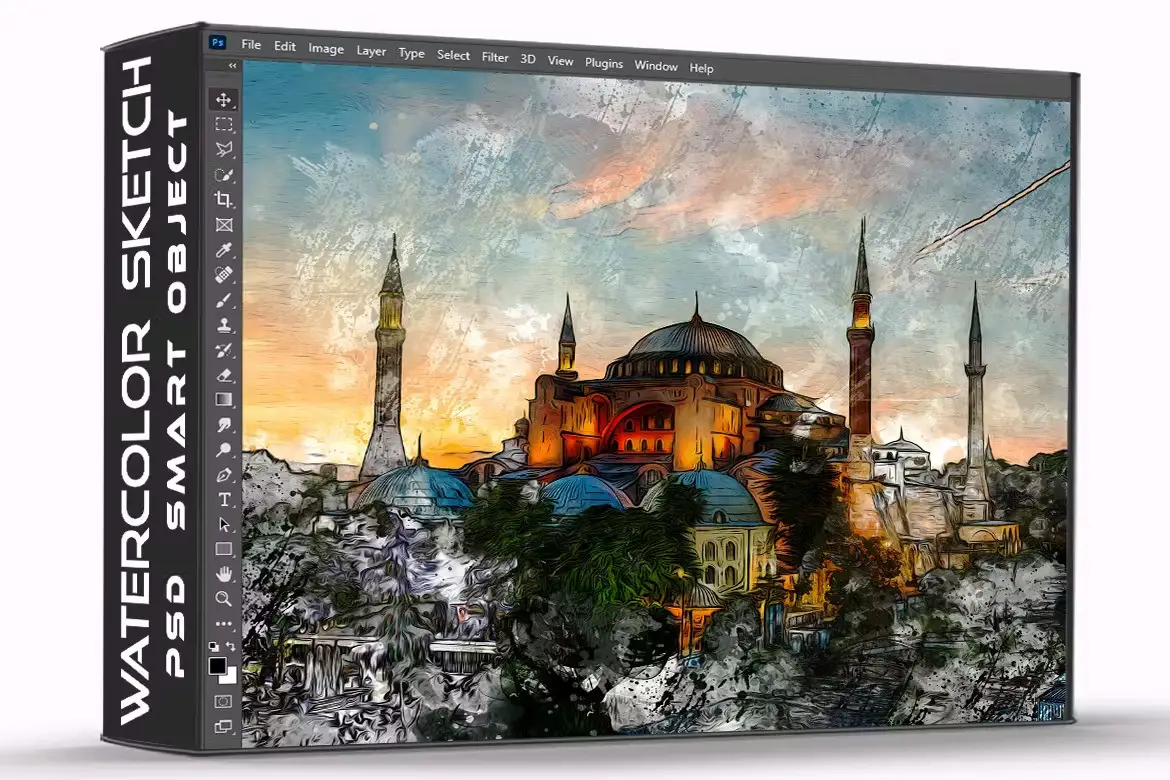
Double the watercolor fun! 🎨 This PSD template makes it super easy to transform your photos into soft, flowing watercolor art. Upload your image, hit the magic button, and watch the colors bloom!
36 Neon Gradients Photoshop
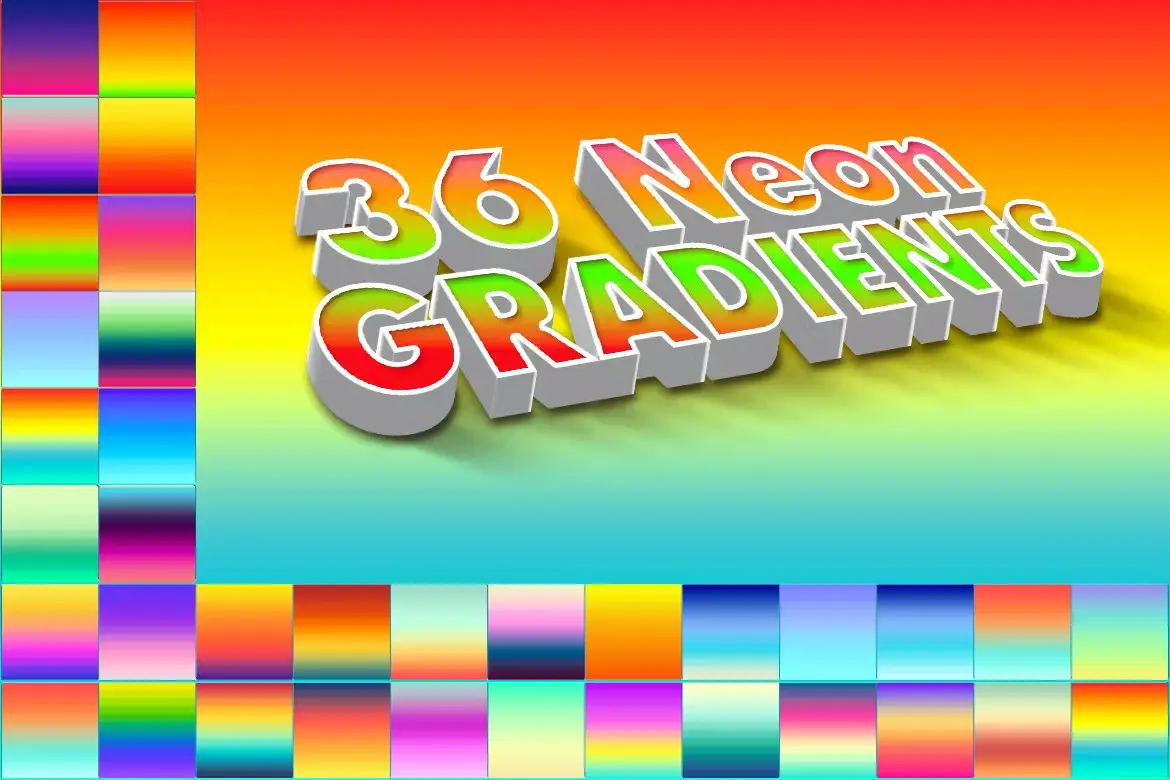
Light up your designs with 36 electrifying neon gradients! 💥 These vibrant, glowing colors are perfect for nightclub flyers, cyberpunk themes, or any project that needs a high-voltage punch.
HDR V2 Photoshop Actions

Take your photos from flat to fantastic with this powerful HDR action! 🌟 It boosts details, enhances contrast, and adds that ultra-realistic, dramatic look—perfect for landscapes and architecture shots.
Fashion HDR Photoshop Actions

Give your fashion photos that glossy, high-end magazine feel! 💃 This action enhances skin tones, adds stunning clarity, and balances shadows perfectly—making every outfit and model look runway-ready.
Conclusion
And there you have it—the ultimate One-Touch Collection to supercharge your creative workflow! 🚀 Whether you’re painting masterpieces, designing dreamy graphics, or editing stunning portraits, these 12 assets from one-touch have got your back. No more endless tweaking—just pure, effortless creativity. So go ahead, click that button, and let your art shine brighter than ever! ✨
Frequently Asked Questions
How do I install these Photoshop actions and gradients?
It’s super easy! For actions, just open Photoshop, go to the Actions panel (Window > Actions), and click the menu icon to load the .atn file. For gradients, use the Gradients panel and import the .grd file. Follow the included instructions, and you’ll be set in under a minute! 🎉
Are these tools suitable for beginners?
Absolutely! The whole point of the One-Touch Collection is to make complex effects simple. Even if you’ve never used an action before, you can just open your photo, play the action, and get a stunning result instantly. No technical skills required! 🙌
Can I use these assets for commercial projects?
Yes, you can! These products are designed for both personal and commercial use, so feel free to use them in your client work, social media, or product designs. Just remember to check the specific license terms on Brushespack for peace of mind. 😊


