

Hey there, creative soul! 🎨✨ Ready to supercharge your Photoshop game? You’ve just stumbled upon the motherlode of digital artistry. In this edition of our series (Part 320, can you believe it?!), we’ve curated 20 absolutely stunning Photoshop actions and effects from BrushesPack that will take your photo editing from “meh” to “magnificent” in just one click. 🚀 Let’s dive right in!
Why Use These Photoshop Actions & Effects?
Time is money, and manual editing is a drag. These one-click tools let you skip the boring stuff and jump straight to the fun part—creating jaw-dropping visuals. Whether you’re a pro photographer, a social media guru, or a digital artist just starting out, these actions save you hours while delivering premium, consistent results every single time. 💪
Top 20 Photoshop Actions & Effects Picks
Hand Drawn Photoshop Action
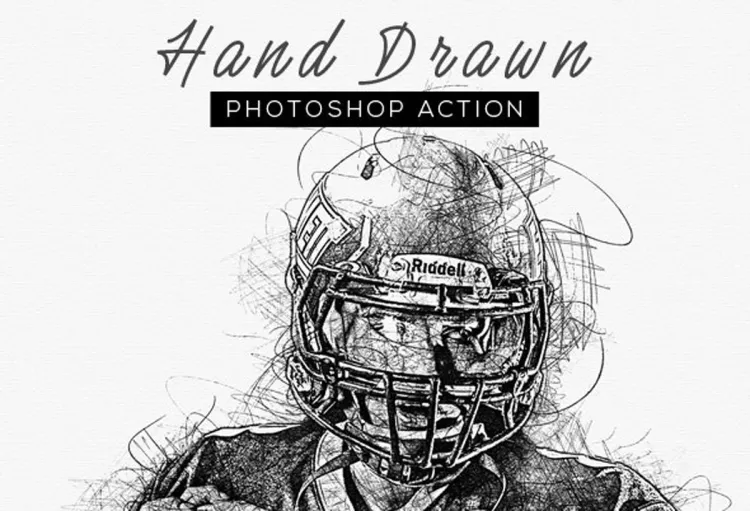
Want to turn your photos into beautiful, hand-sketched art in seconds? ✏️ This action does all the heavy lifting, giving your images that authentic “drawn by hand” vibe without picking up a pencil!
Double Grain Photo Effect
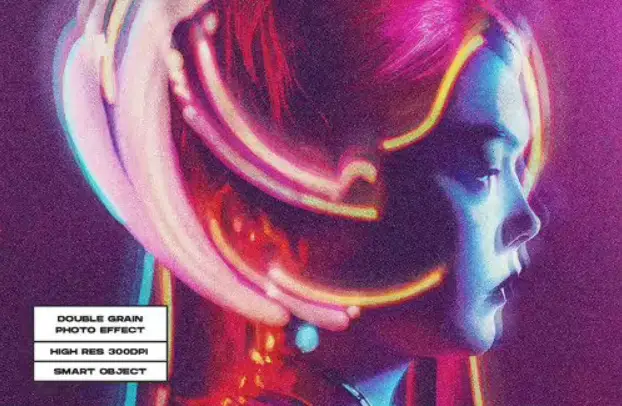
Craving that classic, grainy film look? 📷 This effect layers double the texture for a rich, vintage aesthetic that feels like a cherished photograph from the 70s—pure nostalgia! 🌟
Lava 2 Photoshop Action

Ignite your art with fiery, molten colors! 🌋 This action adds intense, glowing lava textures that inject dramatic, red-hot energy into any photo. Perfect for album covers and sci-fi edits!
Dual Light Photo Effect Qcw9Ckc
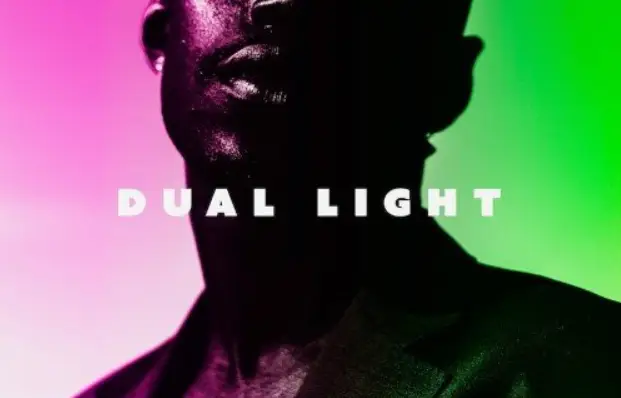
Create that magical two-tone lighting look instantly! ✨ This effect splits your image with gorgeous colored lights—think neon meets cinema—for an ultra-professional, dreamy vibe.
Dispersion Smoke Photo Effect
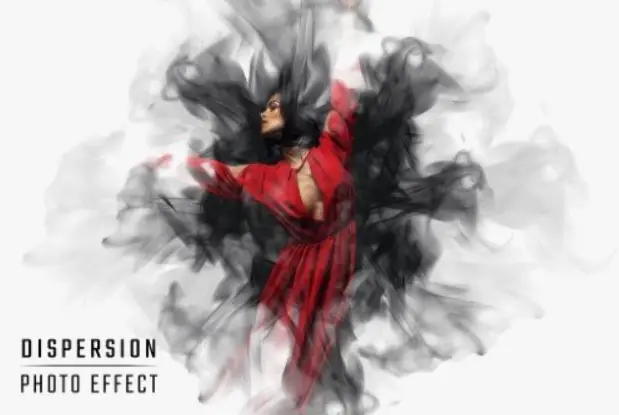
Watch your subject explode into a cloud of smoke! 💨 This action creates a dynamic “bursting” effect that adds motion and mystery—ideal for edgy portraits or fantasy artwork.
Cool Half Cyborg Photo Effect For Photoshop
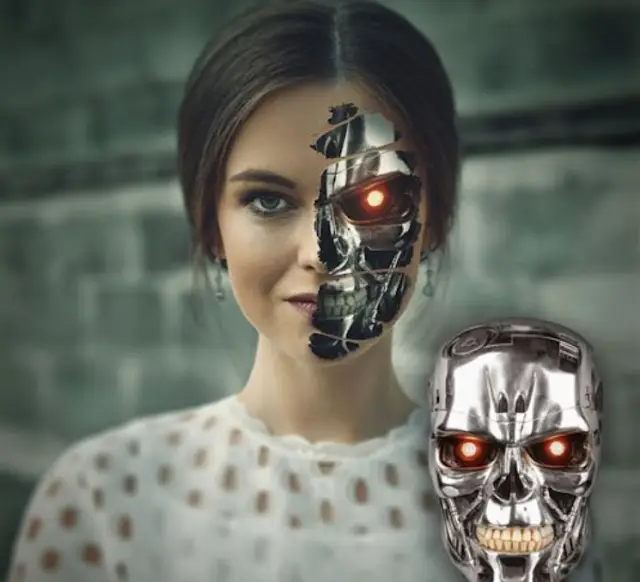
Go full sci-fi with this cyborg transformation! 🤖 Merge human faces with metallic, robotic elements for a futuristic look that screams “Blade Runner” vibes—so cool!
Copy Machine Photo Effect For Posters
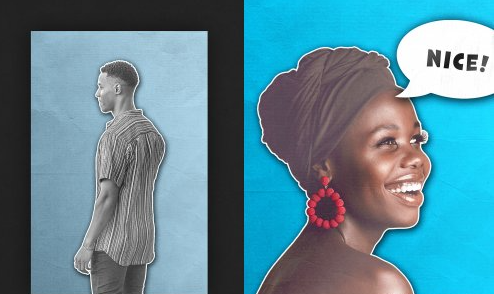
Get that grungy, photocopied aesthetic! 🖨️ This effect mimics old-school xerox machines, adding bold contrast and messy ink for a raw, street-art poster look.
Blue Night Action & Lightroom Presets
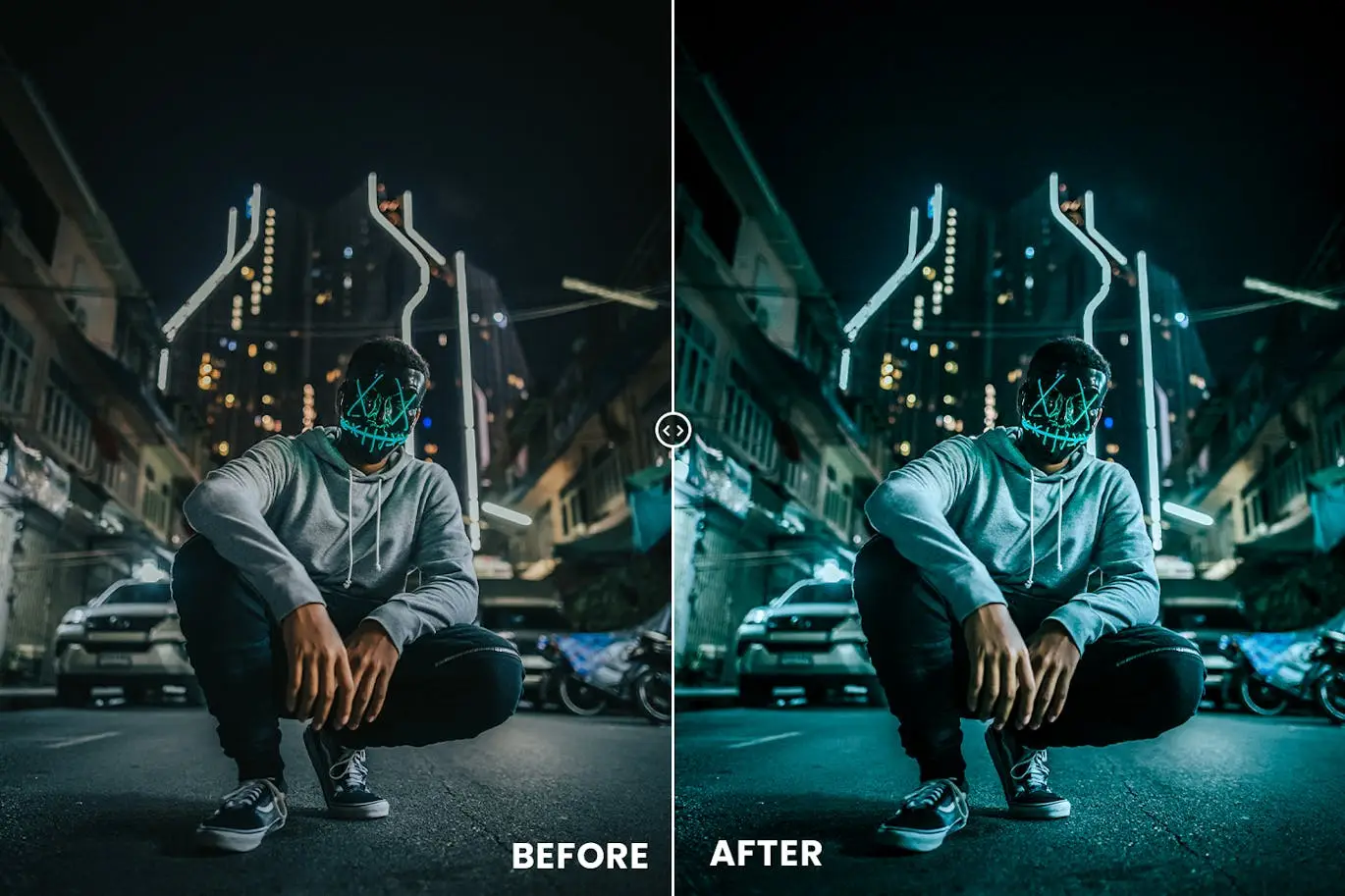
Perfect for evening shoots! 🌙 This duo (Photoshop action + Lightroom presets) bathes your photos in mesmerizing deep blue tones, making cityscapes and night portraits absolutely magical.
Brick Wall Painting Photoshop Effect
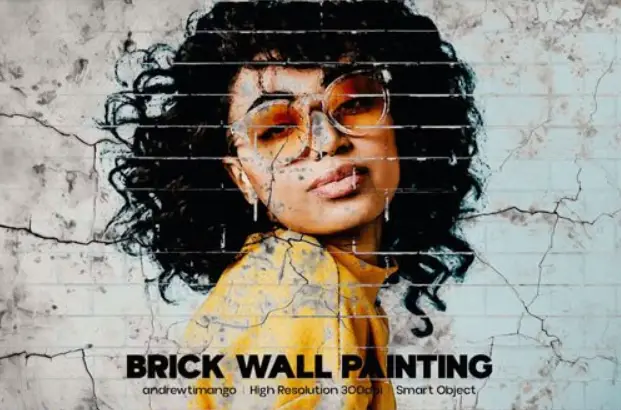
Turn your photos into a canvas painted on a brick wall! 🧱 It looks like realistic street art, adding urban texture and depth that’s perfect for edgy portraits or album art.
Color Dust Explosion Ps Action
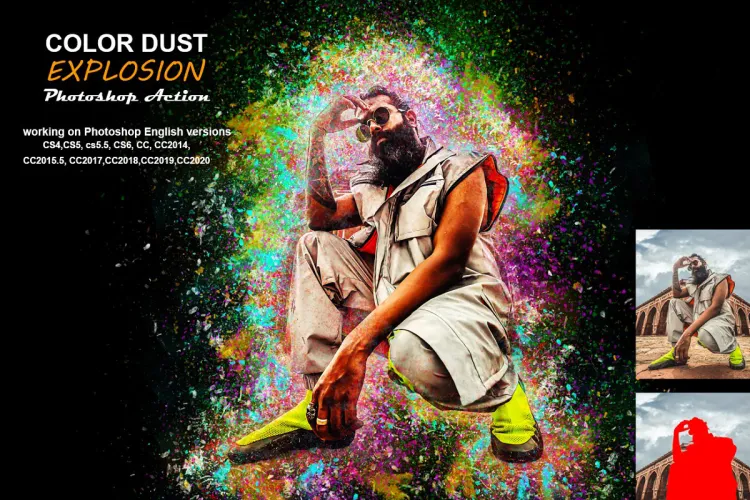
Add a burst of colorful powder to your images! 🌈 This action creates vibrant, Holi-festival-like explosions of dust that bring energy and joy to any shot.
Cinematic Dual Light Photo Effect
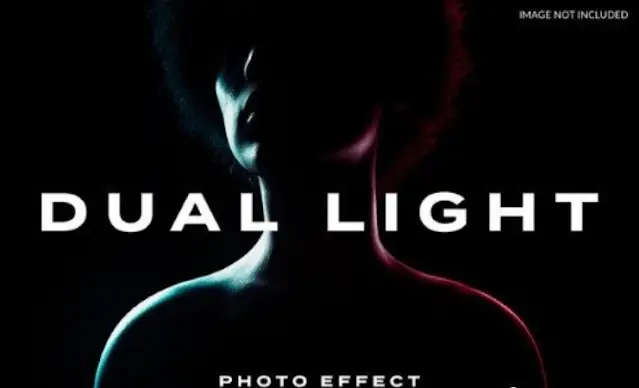
Channel your inner movie director! 🎬 This action layers two stunning lights for a dramatic, high-contrast look that makes your portraits look like they belong in a blockbuster film.
Blue Toned Risograph Photo Effect
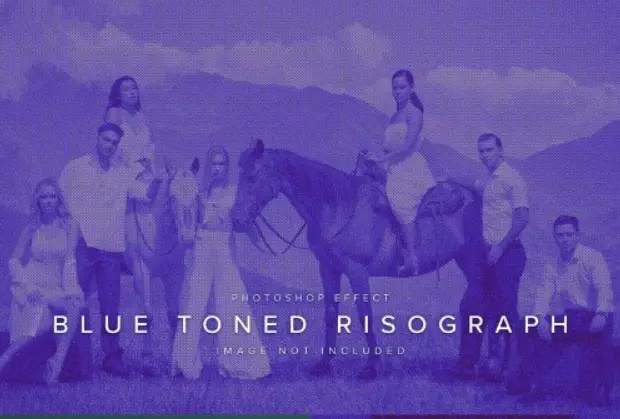
Love that retro risograph print style? 🖨️💙 This effect uses gorgeous blue hues and halftone textures to create a unique, artistic print look that stands out instantly.
Portrait Master Photoshop Actions Xzrfxj
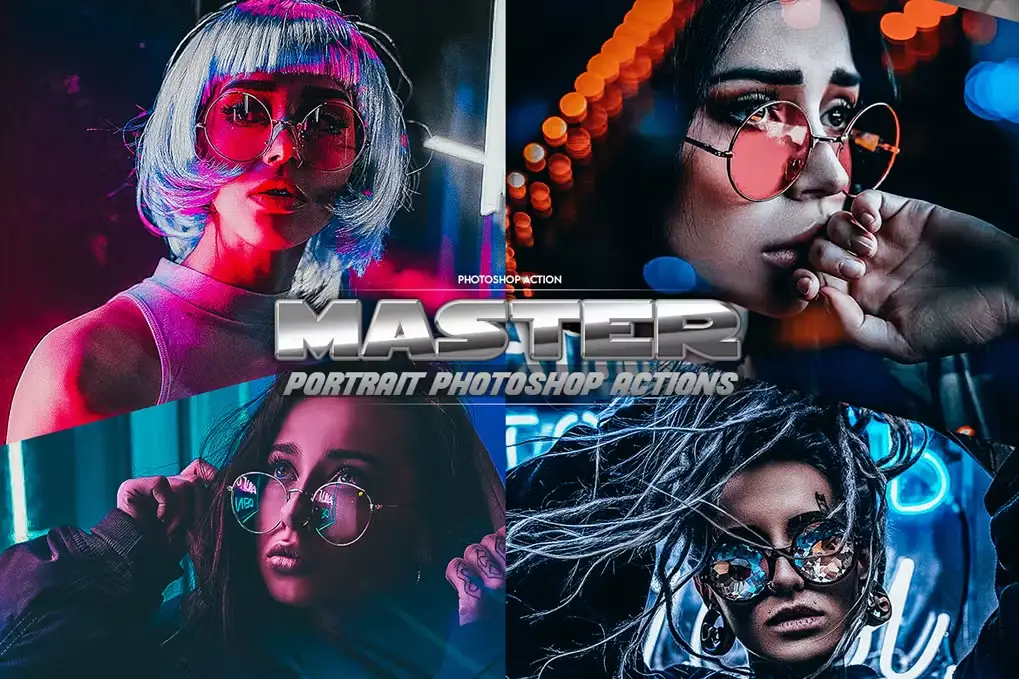
Your one-stop-shop for flawless portraits! 👩🎨 This set of actions enhances skin, eyes, and lighting with professional-grade effects that make every subject look their absolute best.
Unique Collage Photo Frame
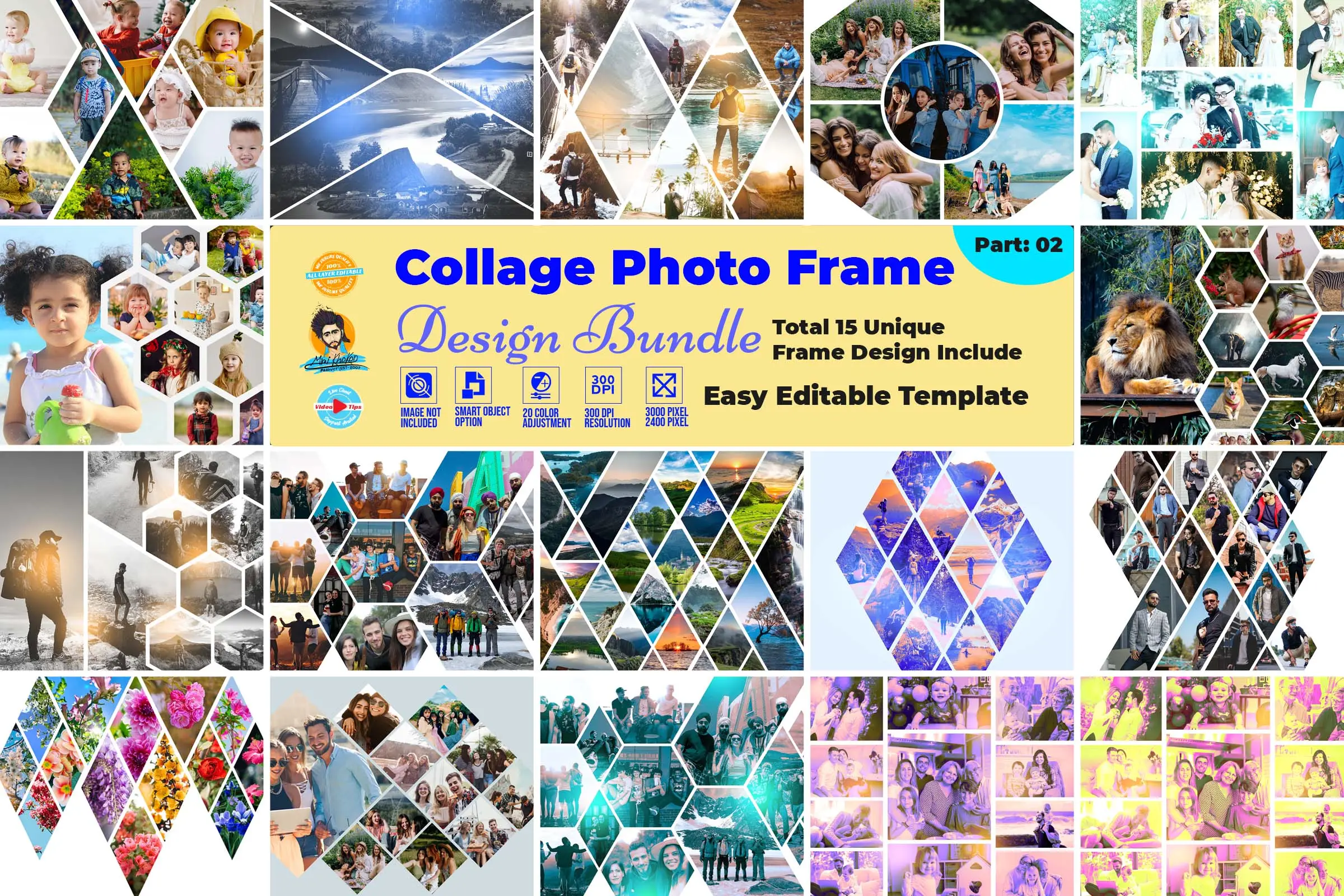
Showcase your memories in style! 🖼️ This beautiful template lets you drop multiple photos into a creative, artistic frame that’s perfect for social media posts or family prints.
Wall Peel Off Photo Effect
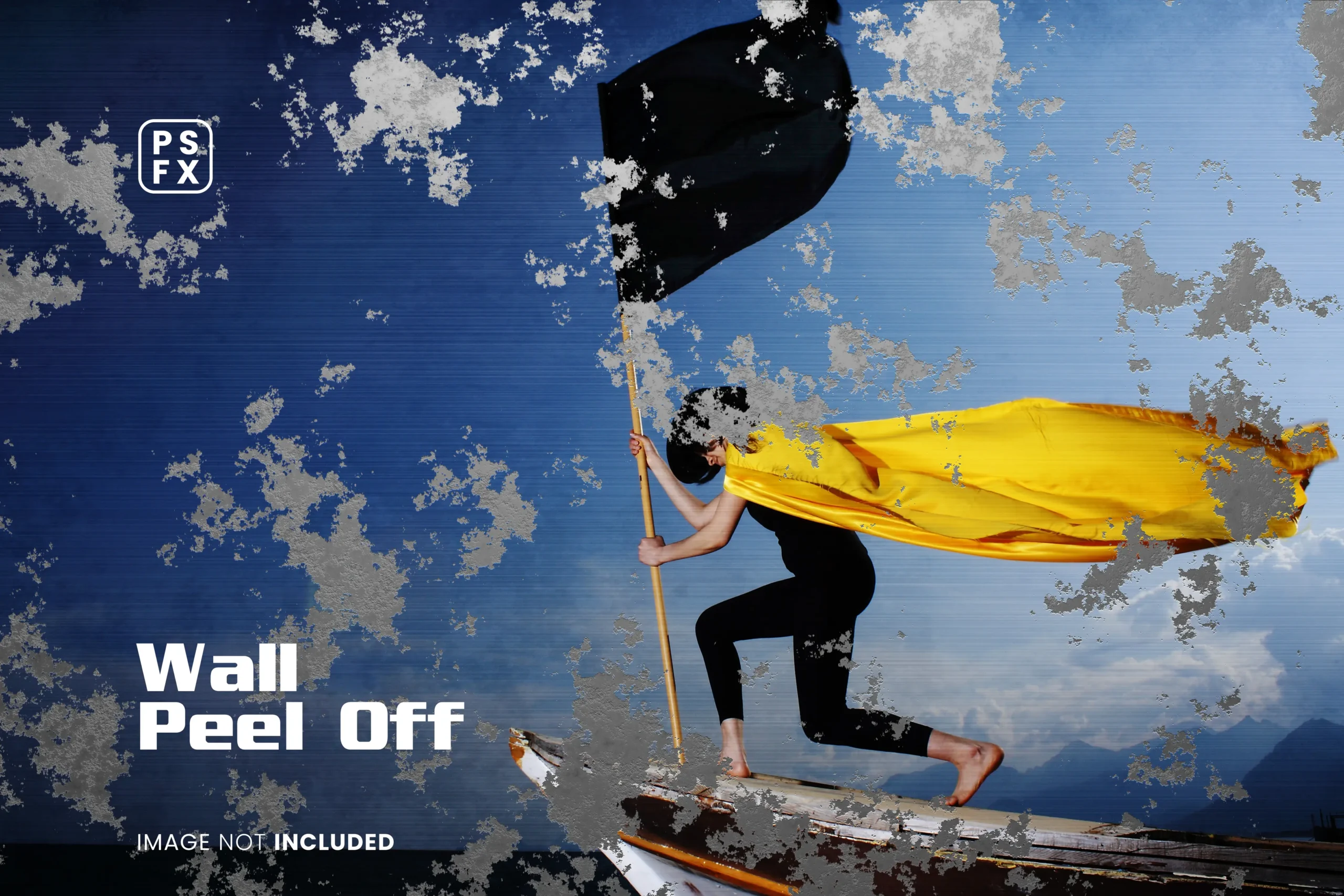
Peel back the layers of reality! 🔥 This effect makes it look like your photo is literally peeling off a brick wall, revealing a hidden scene underneath—super creative!
Glitch Prism Distortion Effect
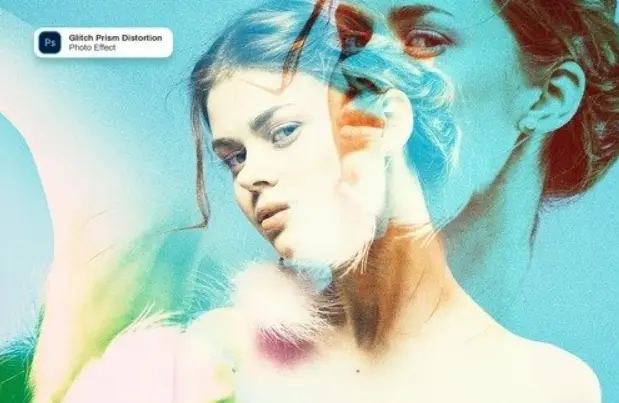
Embrace the digital chaos! 📺🌀 This effect adds stunning glitch art distortions with rainbow prism colors, giving your work a modern, vaporwave aesthetic that’s totally trendsetting.
Galaxy Effect For Photoshop
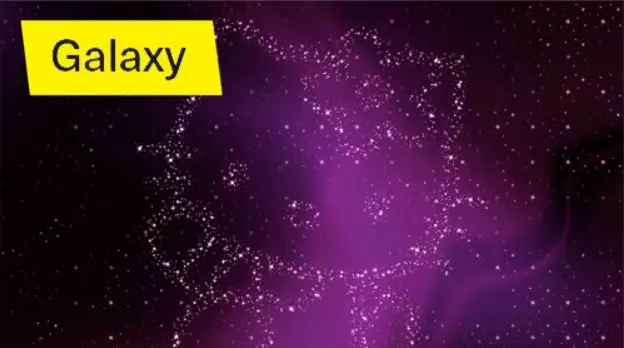
Bring the cosmos to your canvas! 🌌✨ This action instantly transforms your photos into breathtaking galaxy scenes filled with stars, nebulas, and deep space magic.
Ink Manipulation Photoshop Action 1
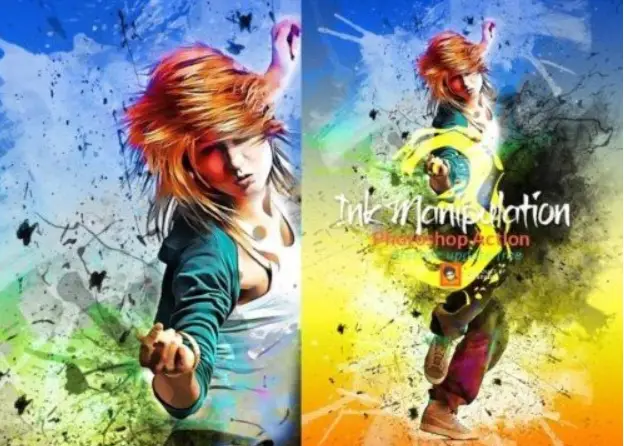
Go wild with liquid ink! 🖌️ This action creates stunning ink splatters, drips, and swirls that flow across your image, adding a beautiful painterly chaos to your work.
Glued Photo Effects For Photoshop
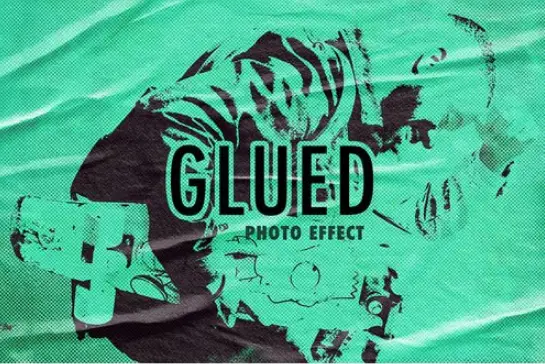
Stick to creativity! 🧩 This unique effect makes your photos look like they are made from torn, glued paper scraps—perfect for scrapbook-style collages and mixed media art.
Horror – Photoshop Action (V)
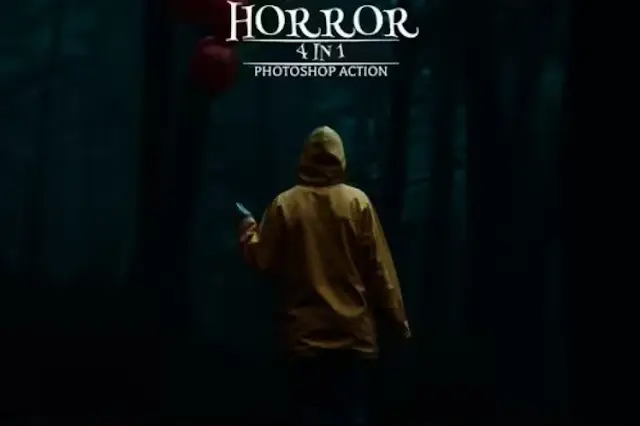
Get ready for some spooky vibes! 👻 This action adds dark, eerie tones and creepy textures that are perfect for Halloween graphics, horror movie posters, or just unsettlingly cool art.
Conclusion
And there you have it—20 phenomenal tools to level up your creative game! 🚀 Whether you’re into dreamy landscapes, gritty urban art, or futuristic cyborg portraits, this collection from BrushesPack has got you covered. Each action is a one-click wonder, saving you hours and delivering pro results. So go ahead, pick your favorites, and start making magic today! ✨
Frequently Asked Questions
How do I install these Photoshop actions?
Super easy! After downloading the ZIP file, open Photoshop, go to the “Actions” panel (Window > Actions), click the menu icon, and choose “Load Actions.” Then select the .atn file you downloaded. Voilà! 🎉
Can I use these actions on any photo?
Absolutely! Most actions work best with high-resolution images (2000px+), but they can be applied to almost any photo. Just make sure your image is in RGB mode and a single-layer background for the best results. 📸
Are these effects compatible with older versions of Photoshop?
Yes, they are compatible with Photoshop CS6 and newer (including CC versions). For the best experience, we recommend using the latest Photoshop version. 💻


