

Hey there, creative soul! 🎨✨ Welcome back to another epic drop from the Brushespack universe. If you’re anything like me, you live for that magical moment when a single click transforms a boring image into a jaw-dropping masterpiece. In Part 262 of our collection, we’ve curated 20 sizzling hot Photoshop actions and effects that will supercharge your workflow and make your art stand out like never before. 🚀 Whether you’re a portrait wizard, a glitch enthusiast, or a collage connoisseur, there’s something here to light up your creative spark!
Why Use These Photoshop Actions & Effects?
Let’s be real—spending hours manually tweaking layers and filters is so last decade. These digital assets are designed to save you time while delivering professional-grade results that look like you spent days on them. 🌟 From adding classical statue vibes to creating explosive fire sparks, these tools let you focus on what really matters: your artistic vision. Plus, they’re all instant downloads, so you can start creating magic right away! 🎉
Top 20 Photoshop Actions & Effects Picks
Statue Photoshop Template
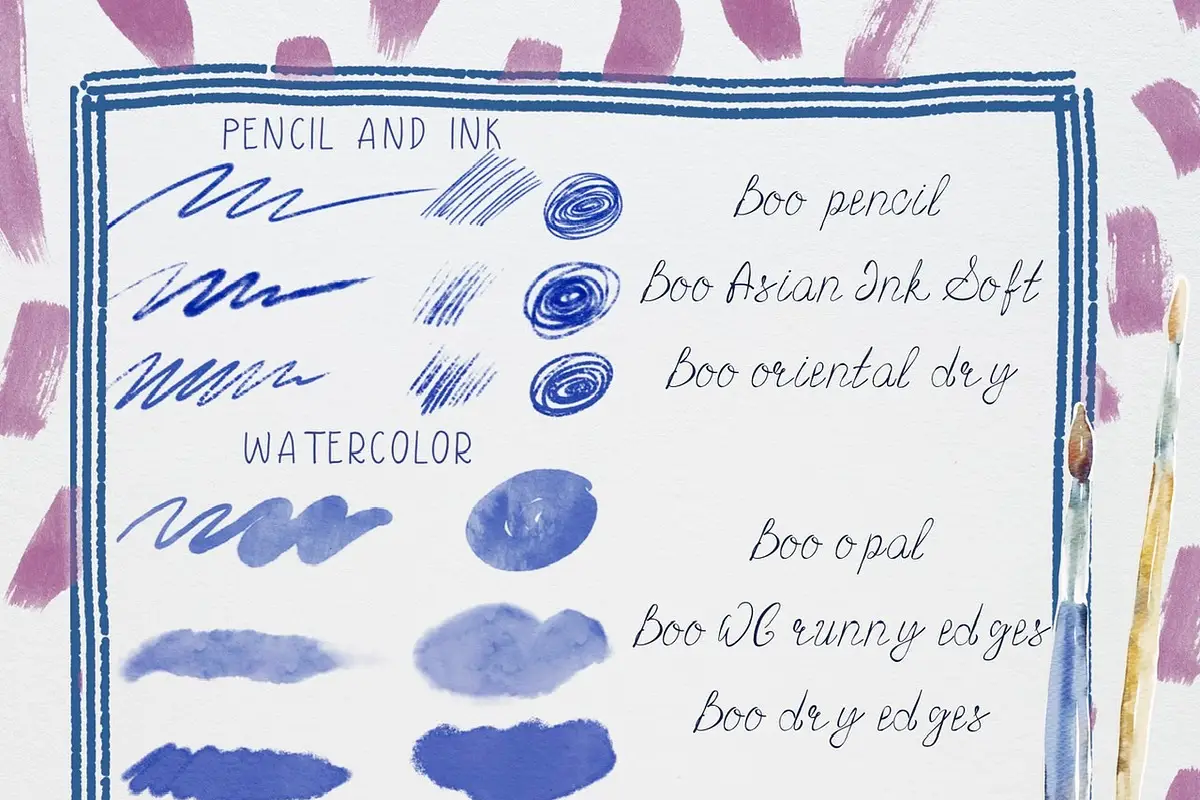
Turn your photos into timeless marble masterpieces with this magical template! 🏛️✨ One click and boom—you’ve got classical elegance dripping from every pixel.
Glitch Photo Effect

Inject some retro-futuristic chaos into your images! 📺💥 This action delivers vibrant, digital distortion that screams “edgy artist” without the headache of manual layering.
Photo Effect

The ultimate all-rounder for instantly boosting mood, color, and depth! 🌈✨ Perfect for photographers who want that “wow” factor in every single shot.
Photo Collage Effects Collection

Create stunning, artistic collages faster than you can say “scrapbook”! 📸🧩 This set brings instant, polished layouts with a touch of creative flair.
Fire Spark Effect Photoshop Action

Ignite your designs with blazing hot sparks that pop off the screen! 🔥✨ Perfect for dramatic posters, album covers, and fantasy art.
Fractal Mirror Photo Effect

Dive into an infinite kaleidoscope of symmetry and color! 🌌🌀 This effect turns ordinary portraits and landscapes into mesmerizing, psychedelic works of art.
Grunge Film Negative Torn Paper Photo Effect

Channel that raw, vintage, punk-rock energy! 🎞️🤘 This action adds gritty film grain and torn paper textures for a beautifully distressed, nostalgic look.
Cartoon Effect Photoshop Action

Turn your selfies into Saturday morning cartoons! 🎬🖍️ This playful action adds bold lines and vibrant colors for an instantly recognizable comic-book vibe.
Glitch Photo Effect 1

Another fantastic glitch action, but with its own unique digital twist! 💻📡 Perfect for adding a modern, techy edge to your social media graphics and posters.
Paper Cut Art Photoshop Action

Get that stunning, layered papercraft look without the scissors and glue! ✂️📄 This action creates depth and texture that looks incredibly tactile.
Watercolor Splatte Photoshop Action

Transform your photos into dreamy, fluid watercolor masterpieces! 🎨🌊 This action captures the organic, unpredictable beauty of real watercolor paint.
Vectorial Photoshop Action

Give your images that crisp, clean vector illustration vibe! 🎯📐 Professional results in one click—perfect for logos, icons, and modern graphic design.
Frequency Modulation Photo Effect

Unlock next-level texture and detail with this frequency separation action! 🔬✨ Your portraits and product shots will look impossibly crisp and smooth.
Awesome Smart Effects For Photoshop

A powerhouse bundle of smart effects that does the heavy lifting for you! 🤖💥 From subtle enhancements to dramatic transformations, this pack has your back.
Awesome Premium Photo Effects For Photoshop [Vol 6]

Volume 6 is packed with premium, jaw-dropping effects that will elevate your entire portfolio! 🏆🌟 A must-have for any serious digital artist.
Vector Pro Cartoon Photoshop Action

Take your cartoons to the pro level with ultra-clean vector lines and vibrant colors! 🦸♂️🎨 Perfect for creating stunning avatar art or comic strips.
abstract.photoshop.action
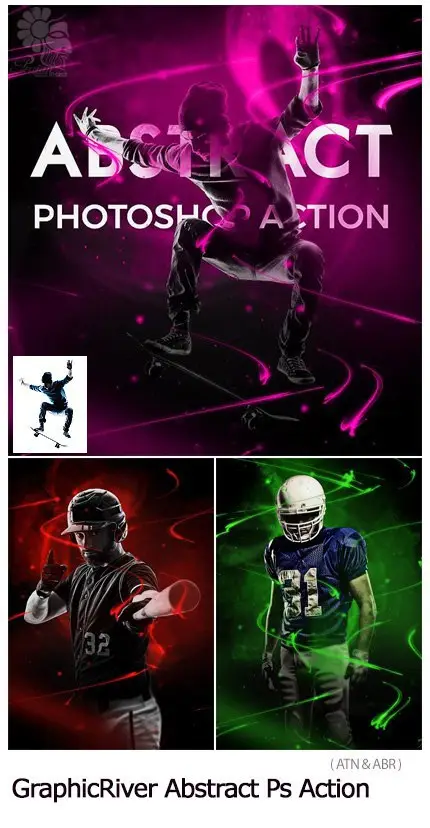
Unleash your inner surrealist with one-click abstract chaos! 🎭🌀 Swirls, colors, and dream-like textures that make every image a conversation starter.
Typography (Alphabetic) Photoshop Action

Turn your text into mesmerizing typographic art! 🔤✨ This action fills letters with stunning effects, making words the star of your design.
Mixed Art Photoshop Action

Combine painting, sketching, and photography into a single gorgeous style! 🖼️🖌️ This action creates a beautiful, multi-textured mixed-media look.
Pro Portrait Art Photoshop Action

The secret weapon for flawless, magazine-worthy portraits! 📸👑 Smooth skin, rich tones, and artistic flair—all done in a single click.
Conclusion
And there you have it—20 incredible tools to supercharge your Photoshop game! 🚀 From glitchy chaos to elegant statues, these actions from the Brushespack store are guaranteed to save you time and elevate your art. So go ahead, treat yourself to a few (or all) of these gems, and watch your creative projects come alive with zero effort. Happy creating, legends! 🎨✨
Frequently Asked Questions
What is a Photoshop action, and how do I install it?
A Photoshop action is a pre-recorded sequence of steps that automates repetitive tasks. To install one, simply download the .atn file, open Photoshop, go to the Actions panel (Window > Actions), click the menu icon, and select “Load Actions.” Then just hit play! 🎬
Are these actions compatible with all versions of Photoshop?
Most of these actions are designed for modern versions of Photoshop (CS6 and above), but always check the product description for specific compatibility notes. They work best with the latest releases! 💻✅


