

Ready to level up your Photoshop game without spending hours tweaking sliders? 🚀 Whether you’re a pro photographer, a passionate digital artist, or just someone who loves making their photos pop, the **Graphicsgol** collection is an absolute goldmine. We’re talking about 20 mind-blowing actions that do the heavy lifting for you—so you can focus on what really matters: your creative vision. Let’s dive into the first part of this epic roundup and find your new secret weapon! ✨
Why Use These Graphicsgol Photoshop Actions?
Imagine achieving complex, cinematic, and high-fashion looks with a single click. That’s the magic of these Actions. From retouching skin flawlessly to blasting your images with HDR drama, Graphicsgol has meticulously crafted each action to work like a charm. They save you hours of editing time, keep your style consistent, and best of all—they make you feel like a digital sorcerer. 🎩✨
Top 20 Graphicsgol Photoshop Actions Picks
Color HDR Photoshop Action

Breathe incredible vibrancy and life into your dull shots! 🌈 This action adds a stunning, rich HDR effect that makes your colors scream “wow!”
10 Sports Photoshop Action
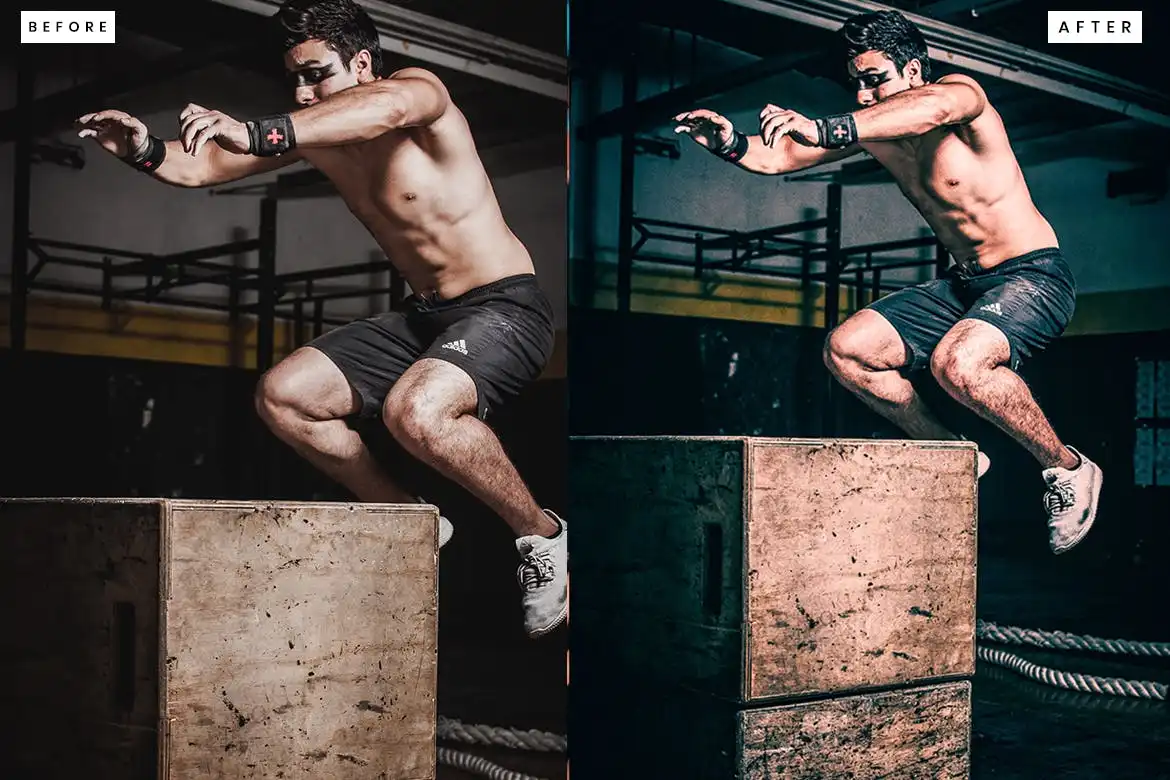
Freeze the action and make your athletes look like superheroes. 💪 This pack adds dynamic contrast and sharpness specifically tuned for sports photography!
10 Skin Retouch Photoshop Action
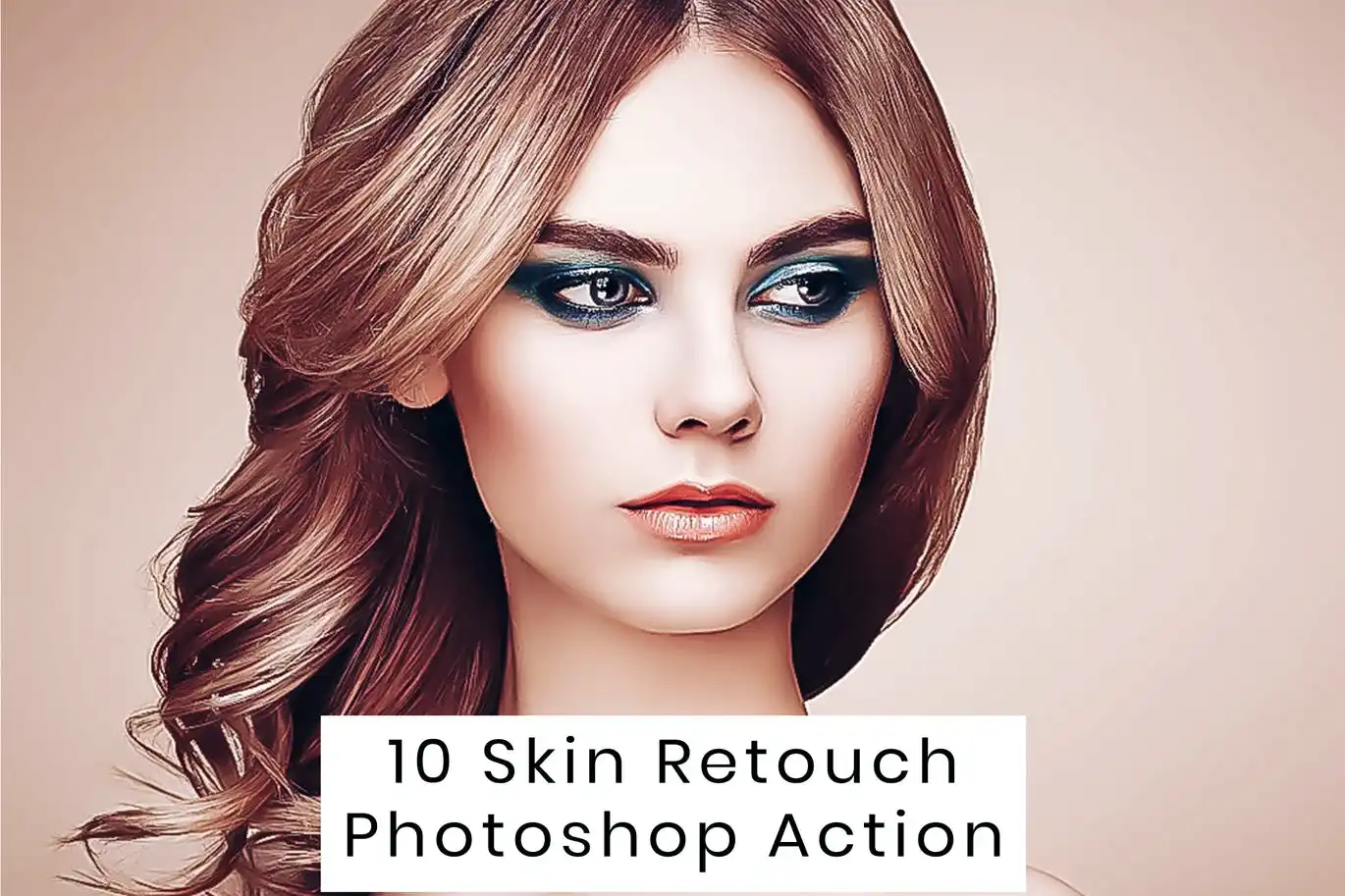
Flawless skin with zero hassle! ✨ Perfect for portraits and glamour shots—this action smooths, softens, and enhances skin texture naturally.
10 Cutout Oil Painting Photoshop Action
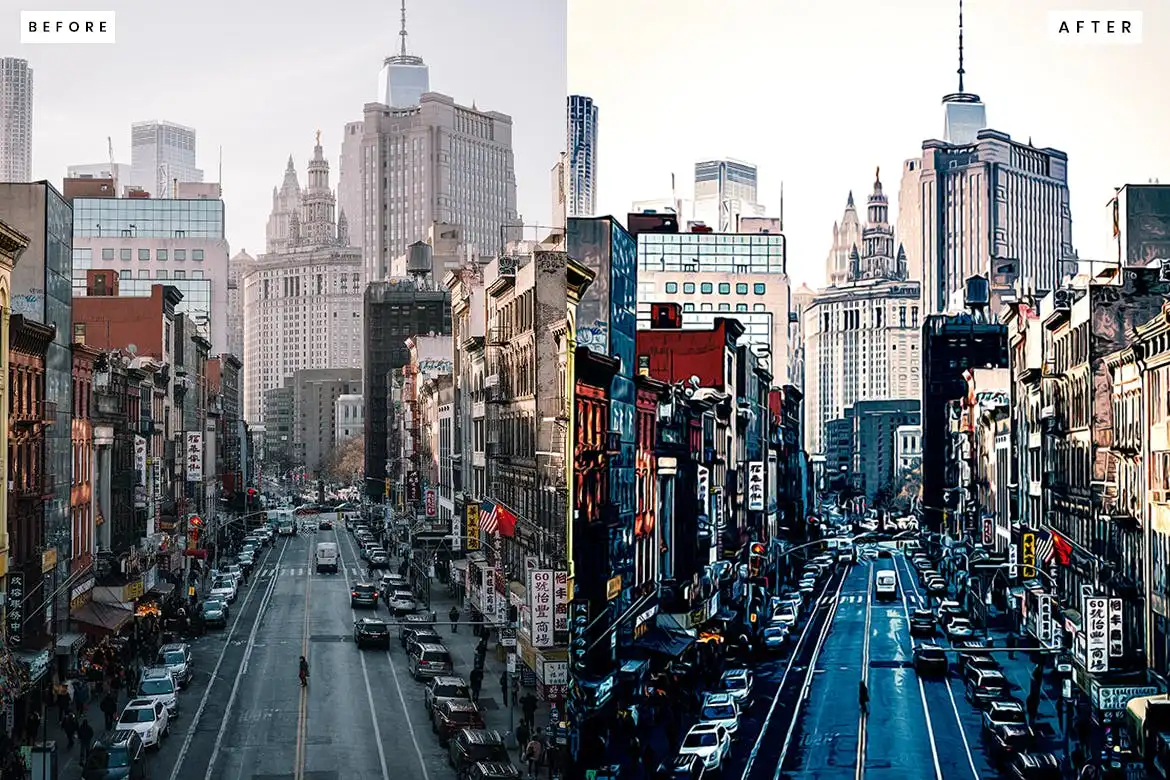
Turn your photos into artistic masterpieces with a vivid oil painting effect! 🖼️ The cutout style adds a modern, graphic twist to the classic look.
20 Matte Fashion Effect
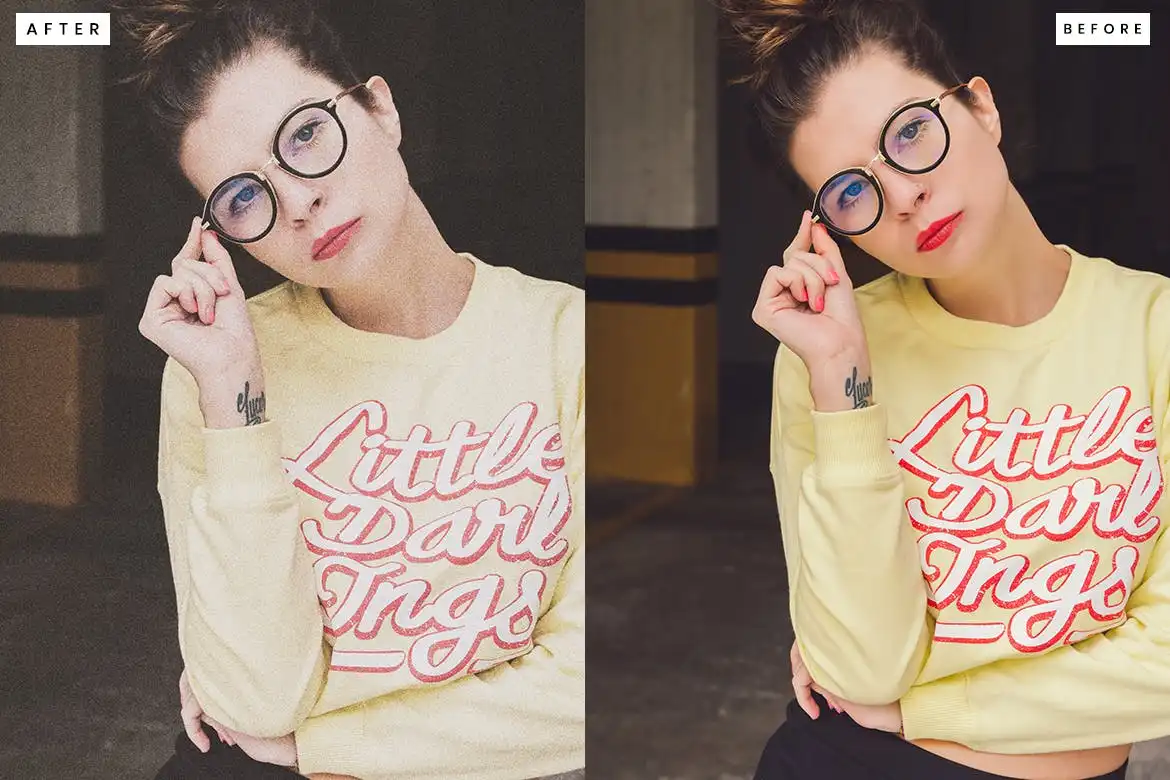
Get that trendy, editorial matte look in one click! 📸 This pack is a total game-changer for fashion and lifestyle photographers.
10 Cinematic HDR Photoshop Action
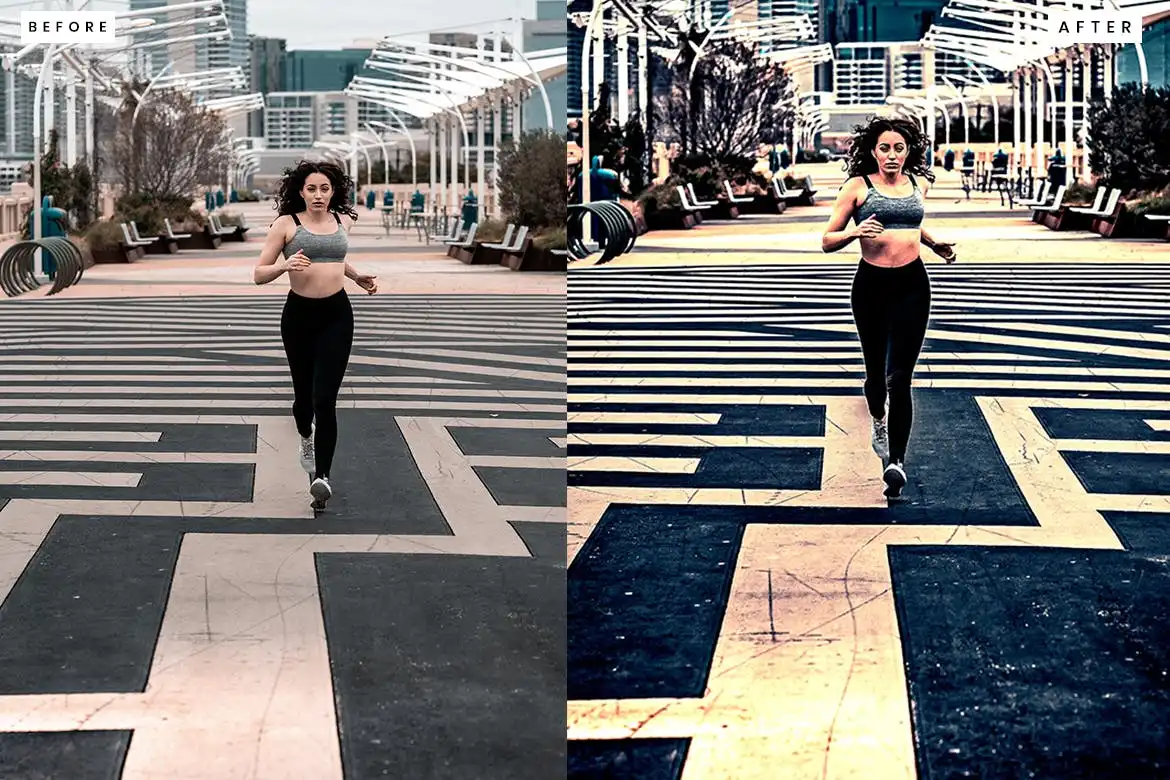
Bring the drama of a blockbuster film to your photos! 🎬 This action adds deep shadows, vibrant highlights, and that killer movie-like depth.
20 Portrait Glamour Action
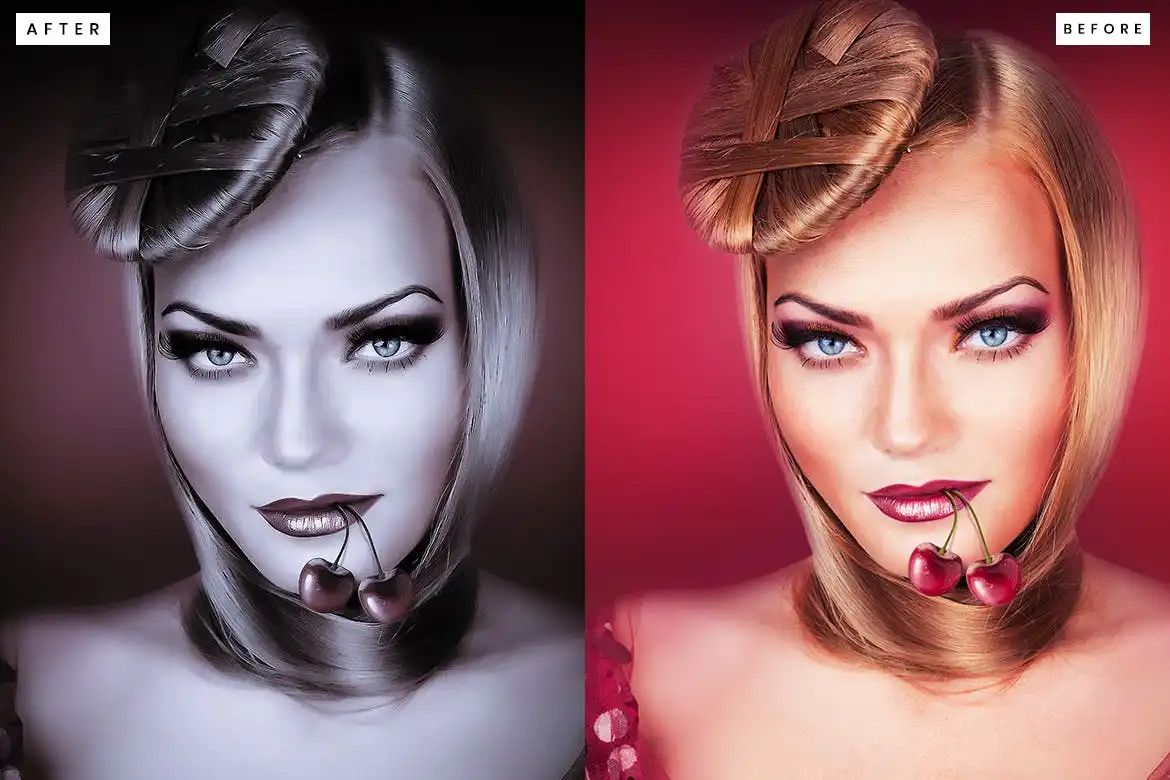
Give your subjects that red-carpet glow! 💖 This action is pure magic for portraits, adding softness and a divine light that flatters everyone.
10 Cinematic Orange & Teal Look Photoshop Action
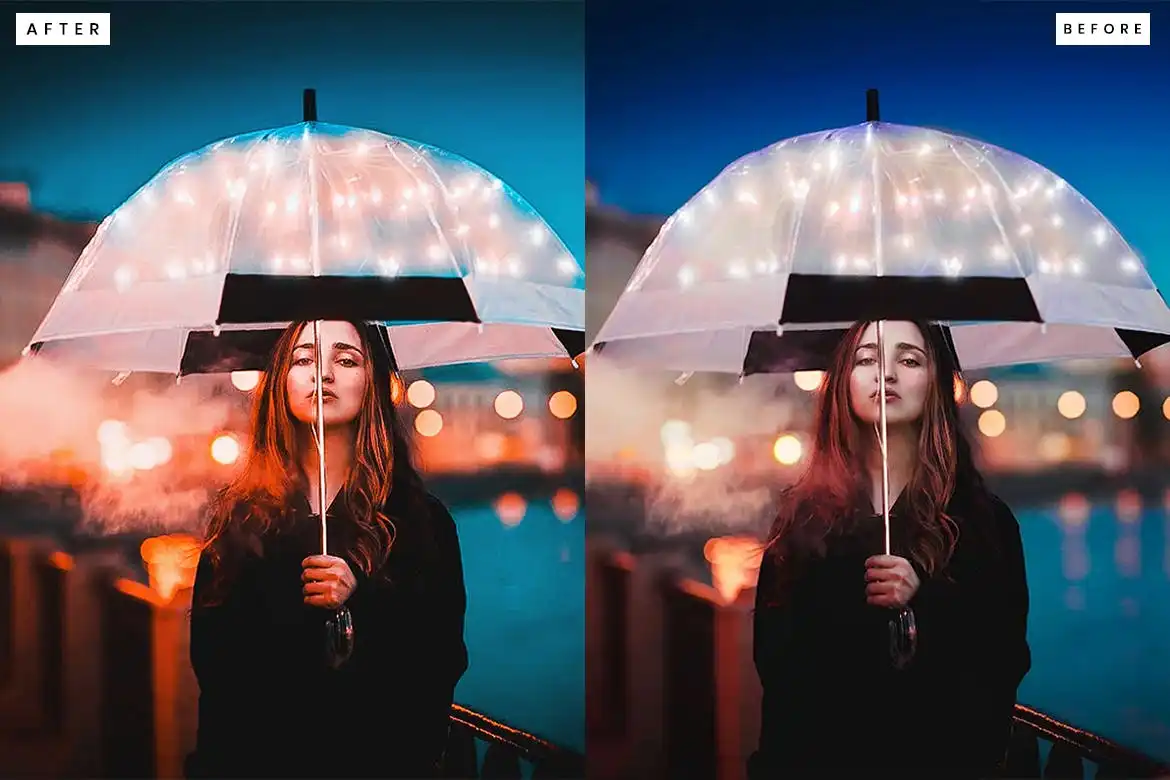
The internet’s favorite color grading secret! 🍊🌊 Create that iconic Hollywood contrast with warm skin tones and cool backgrounds instantly.
10 Oil Painting Photoshop Action
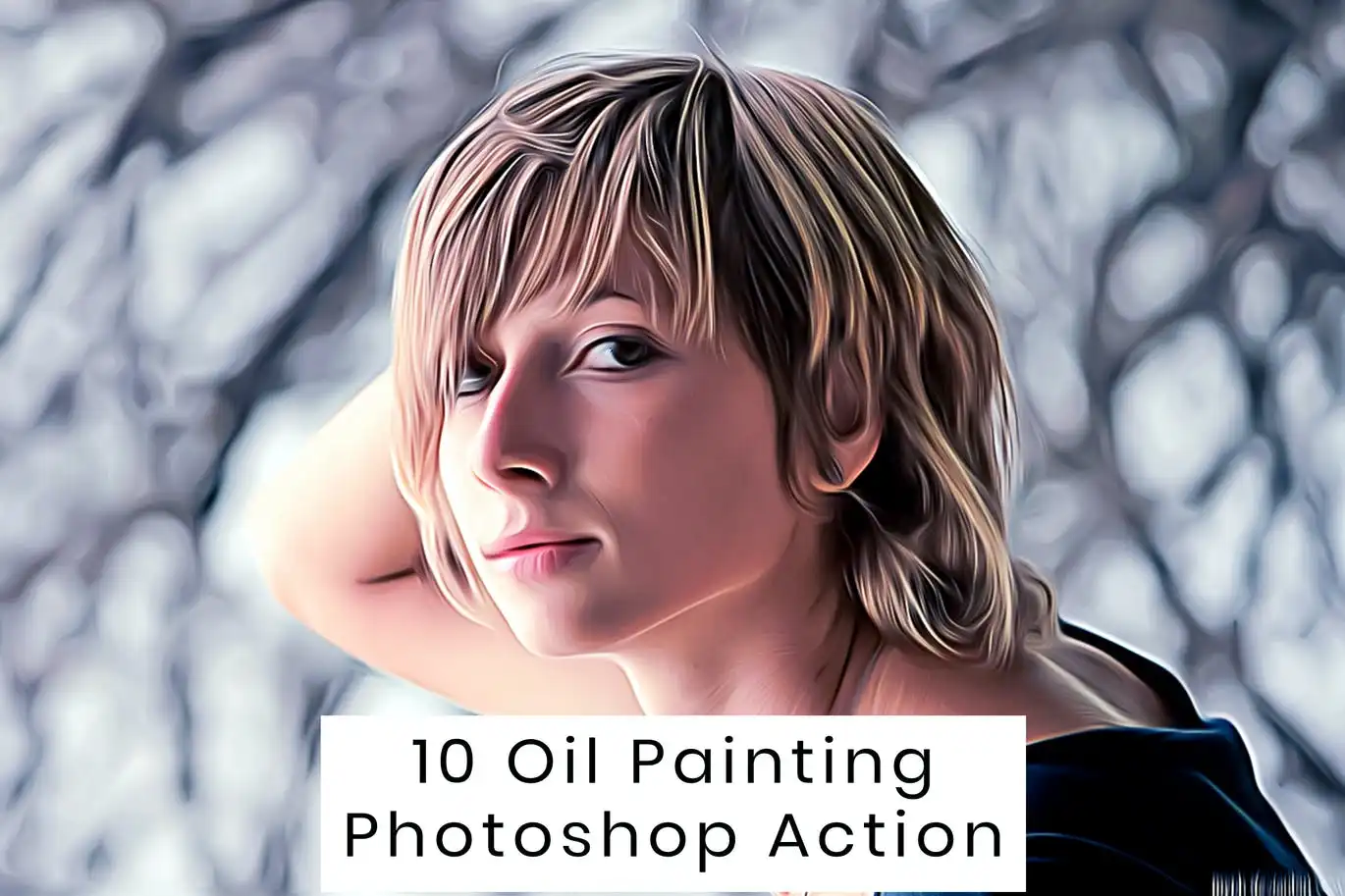
No paintbrush needed! 🎨 This action creates thick, luscious oil painting strokes that make your images look like they belong in a gallery.
Cartoonizer Photoshop Action
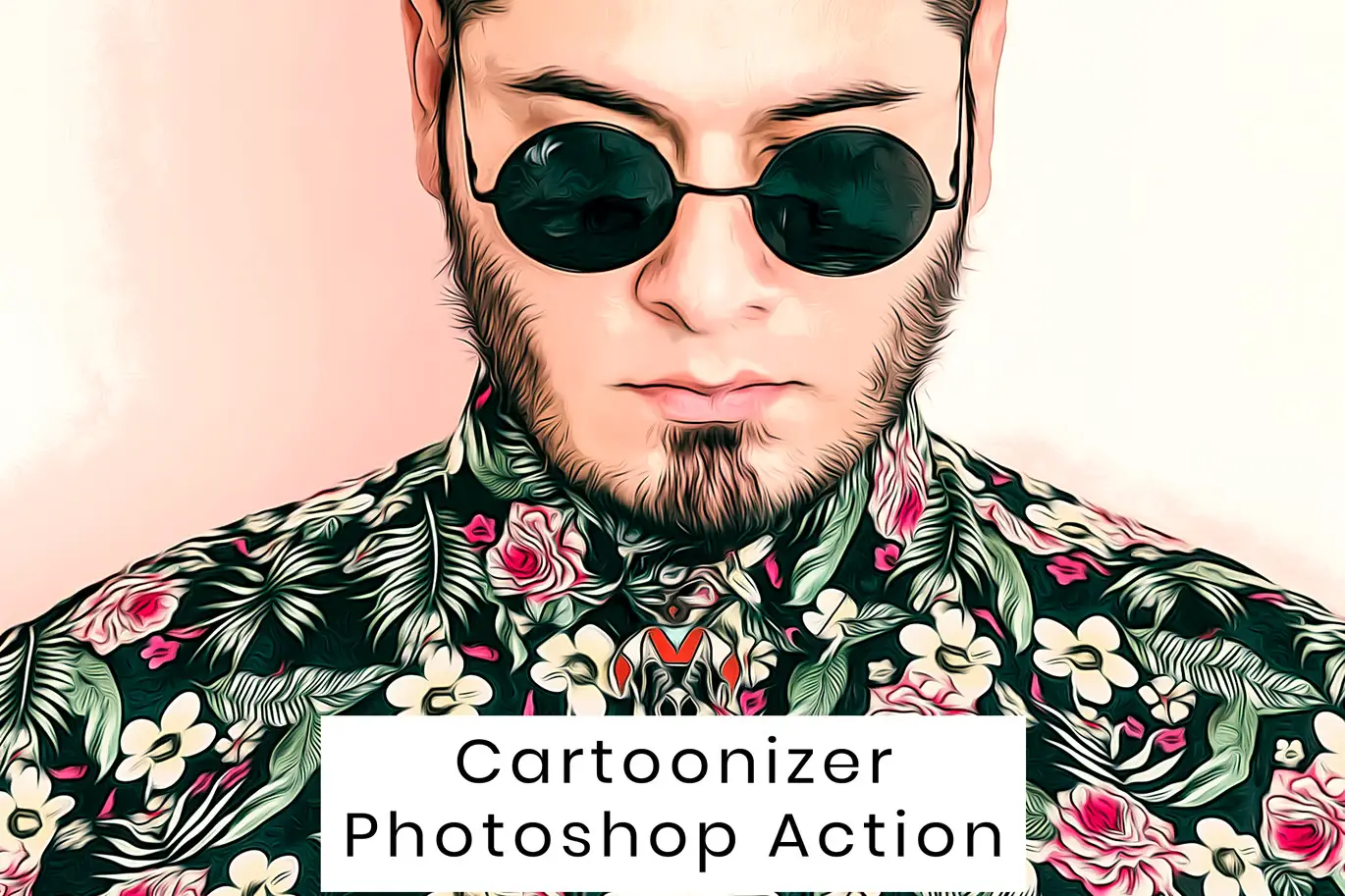
Ever wanted to be a cartoon character? 🤩 This action is pure fun—turning your photos into vibrant, vector-style cartoons in seconds.
10 Matte Fashion Photoshop Action
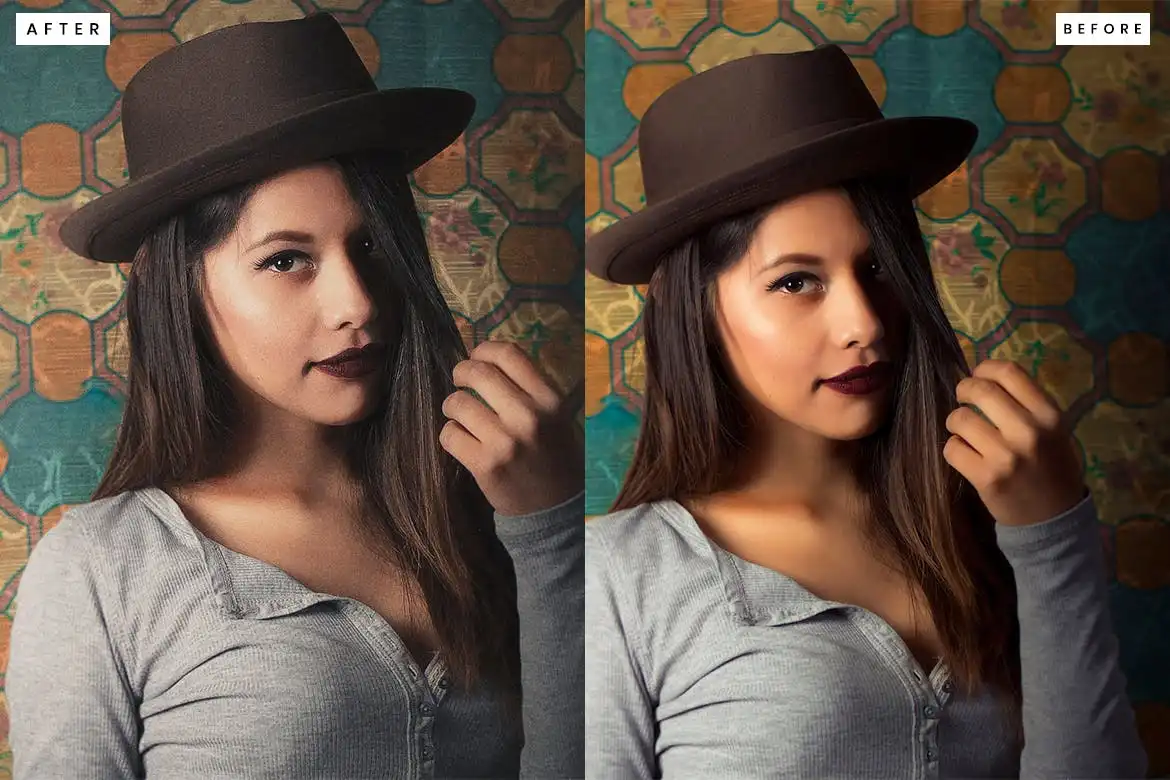
Fashion-forward editing made easy! 👗 This matte effect removes harsh glare and gives your photos a sophisticated, velvety finish.
10 Cinema Mood Photoshop Action
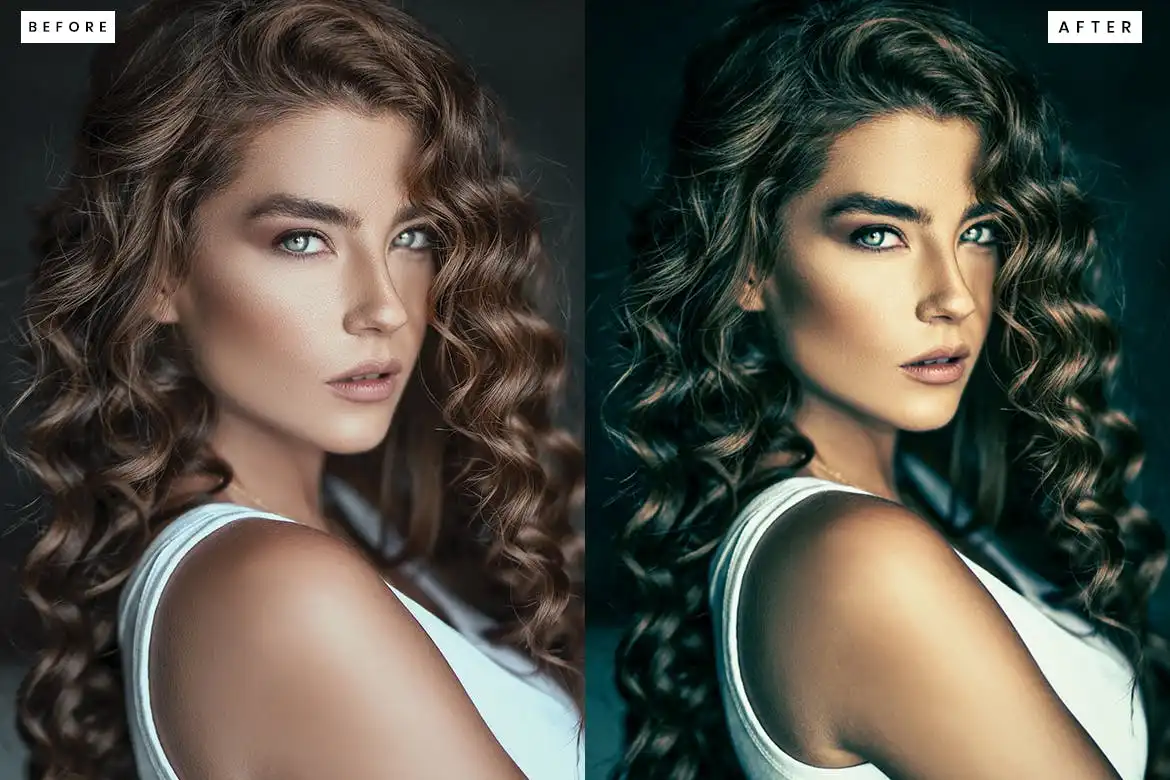
Set the vibe instantly! 🕯️ This action creates deep, moody atmospheres perfect for storytelling and dramatic portraits.
20 Oil Painting Photoshop Action
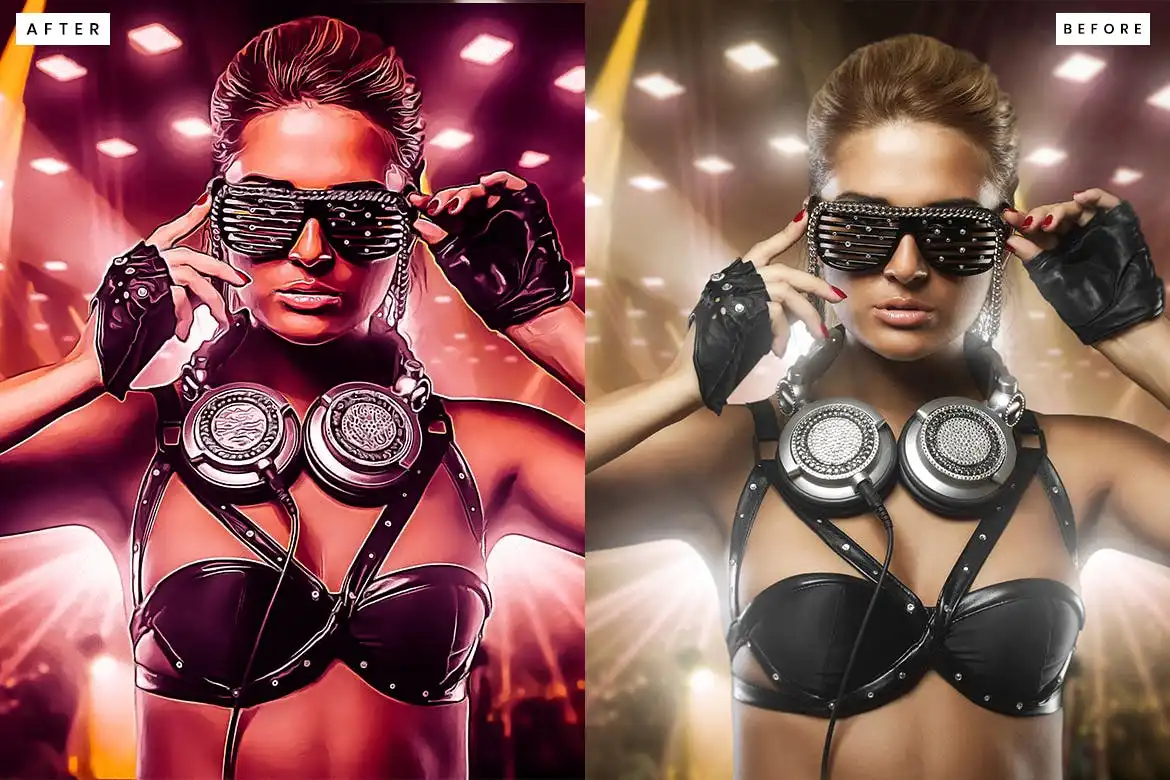
For when you need a heavy dose of artistic flair! 🌻 This action gives you a richer, more textured oil painting effect with tons of depth.
B&W HDR Photoshop Action
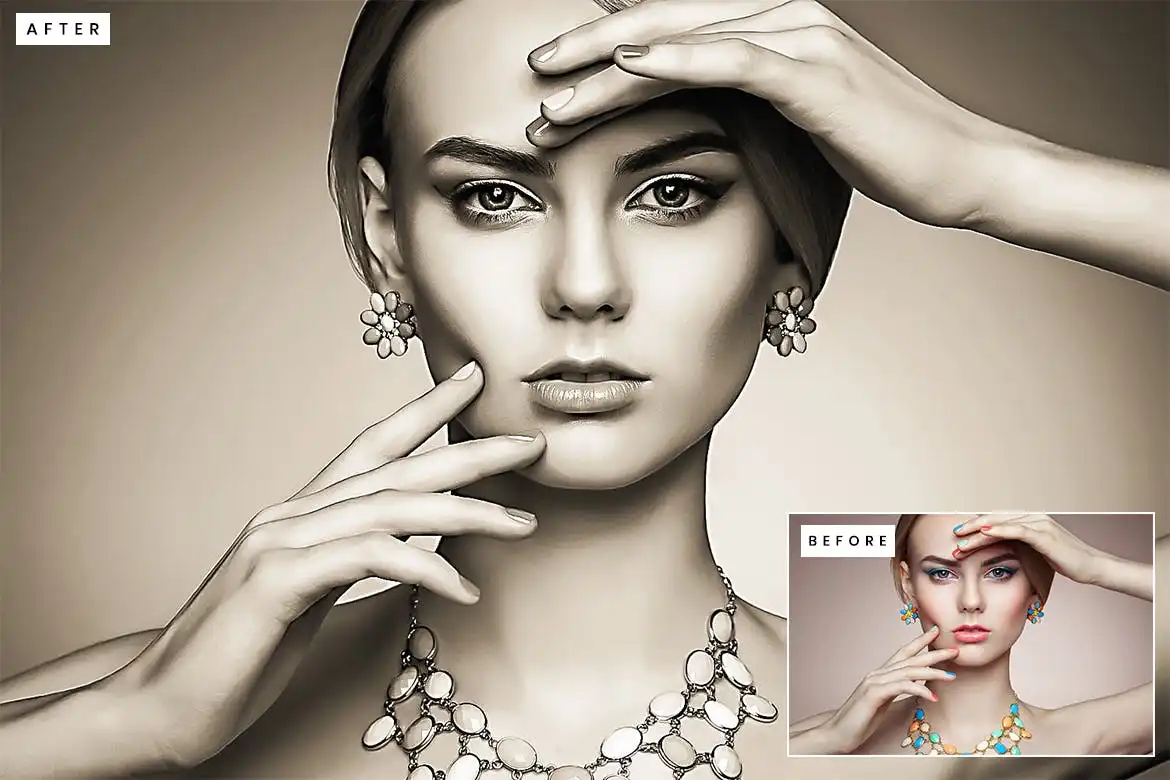
Monochrome magic at its finest! ⚫⚪ This action pumps up the contrast and texture in your black and white shots for that stunning, crisp HDR feel.
20 Matte Fashion Photoshop Action
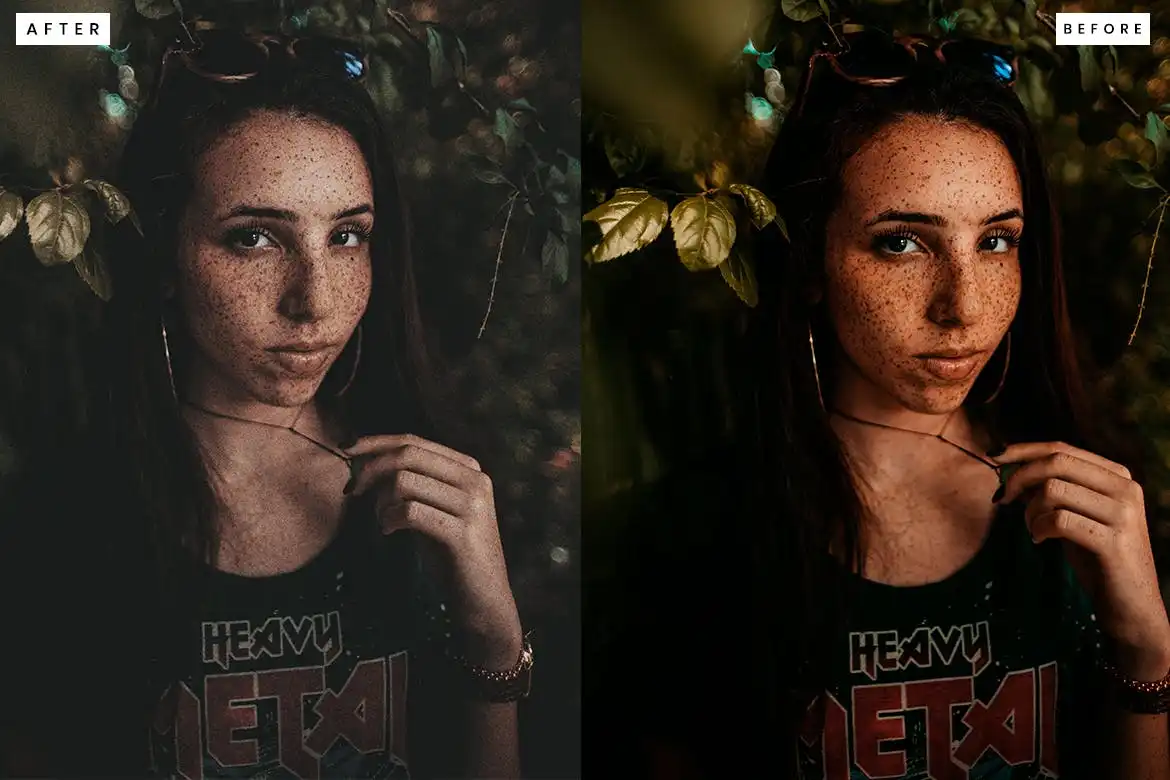
Double the matte, double the fun! 💥 This larger pack gives you tons of variety to keep your fashion portfolio looking fresh and modern.
10 Cinematic Photoshop Action
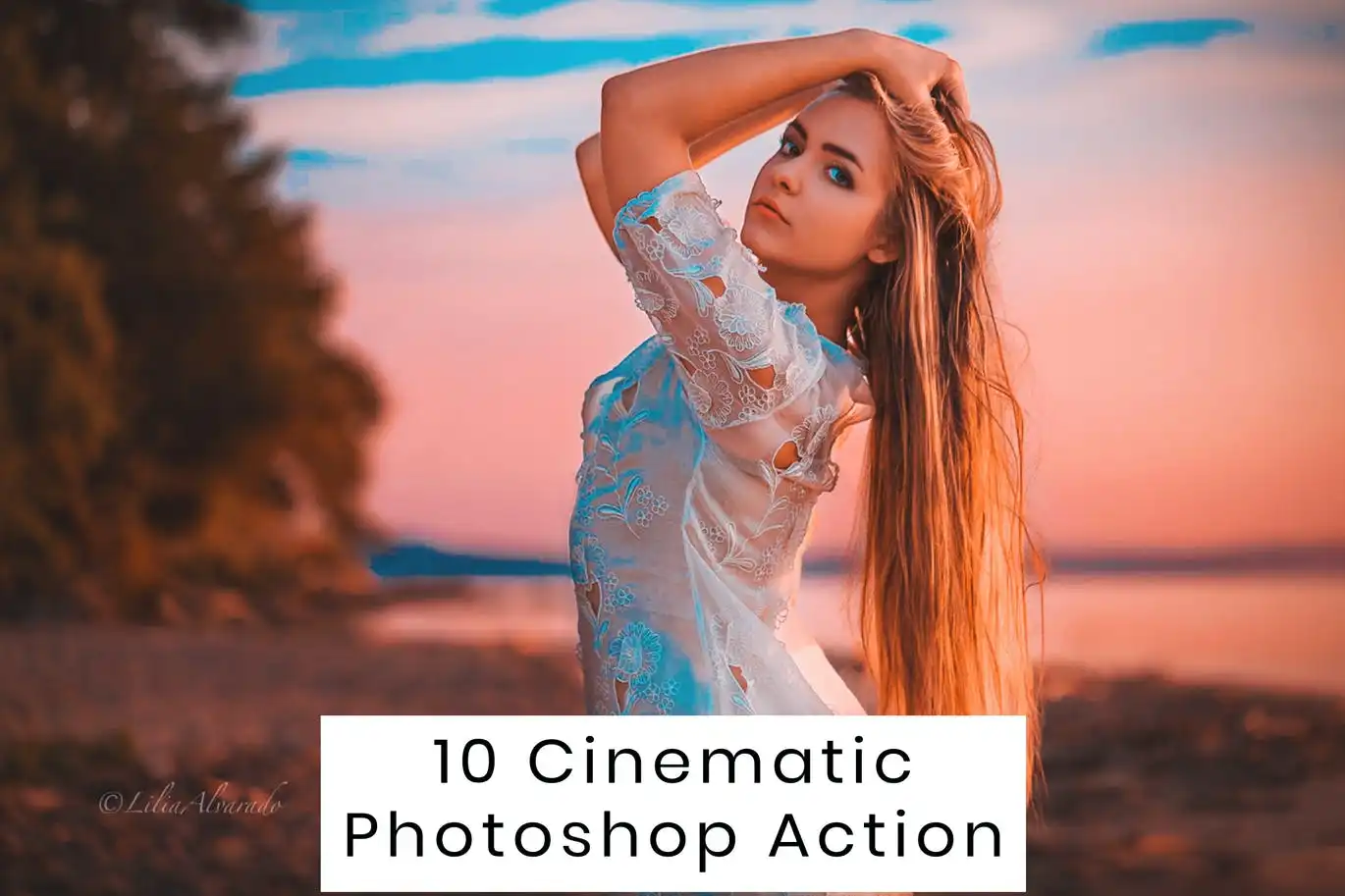
The essential starter pack for movie-like edits! 🎥 It’s all about mood, color, and crisp detail—perfect for any photographer.
10 Neon Photoshop Action
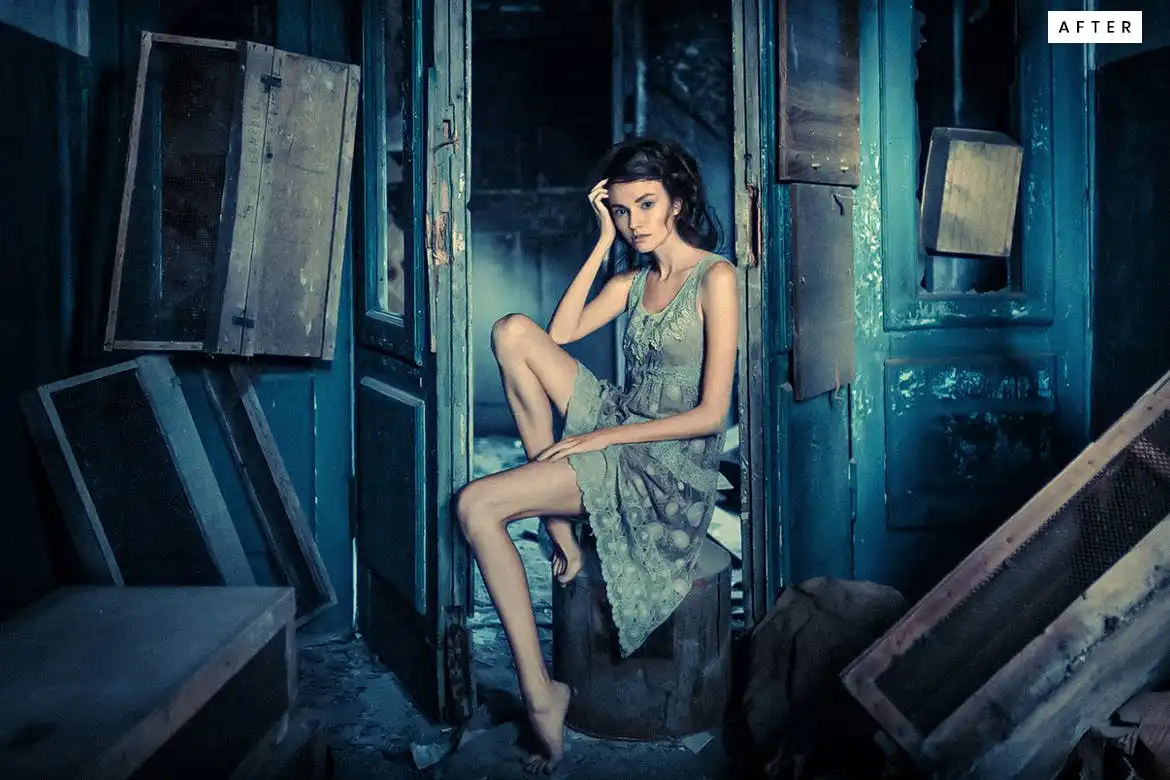
Light up your photography with electrifying neon vibes! 💡✨ Perfect for night shots, parties, and adding a cyberpunk aesthetic.
10 Sketch Photoshop Action
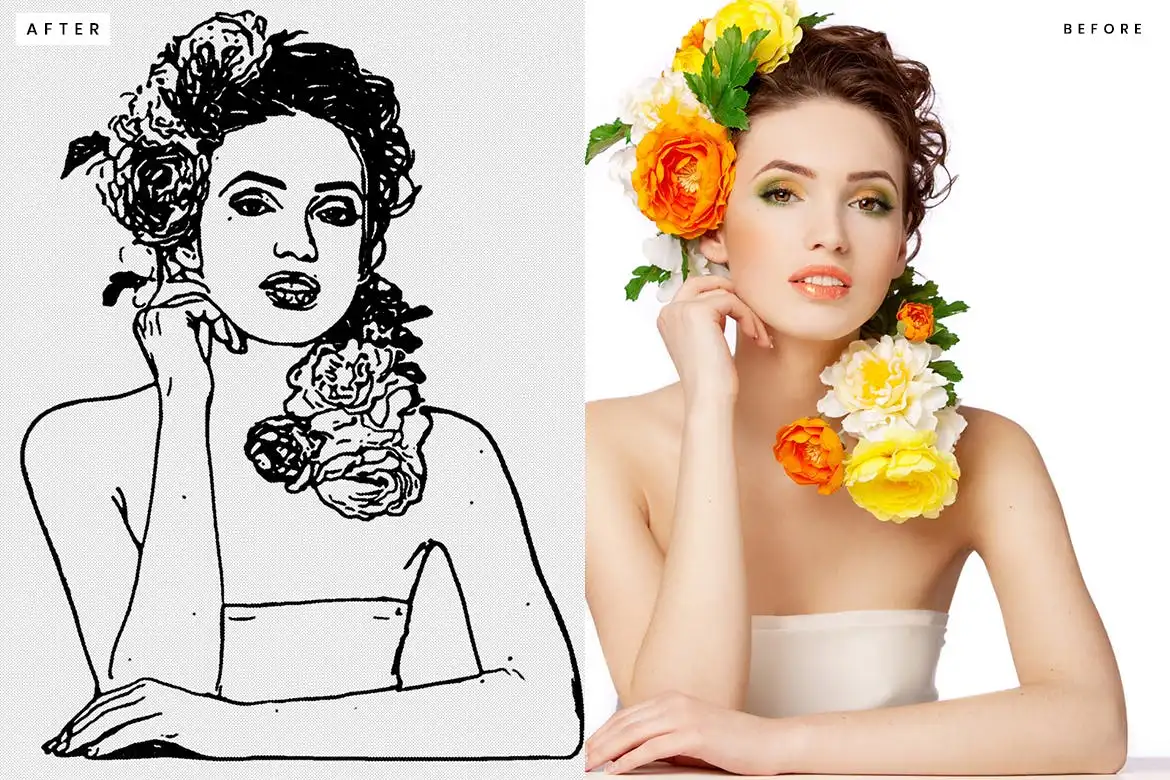
Pencil art in a click! ✏️ Transform your photos into beautiful, hand-drawn sketches that look incredibly realistic.
10 HDR Photoshop Action
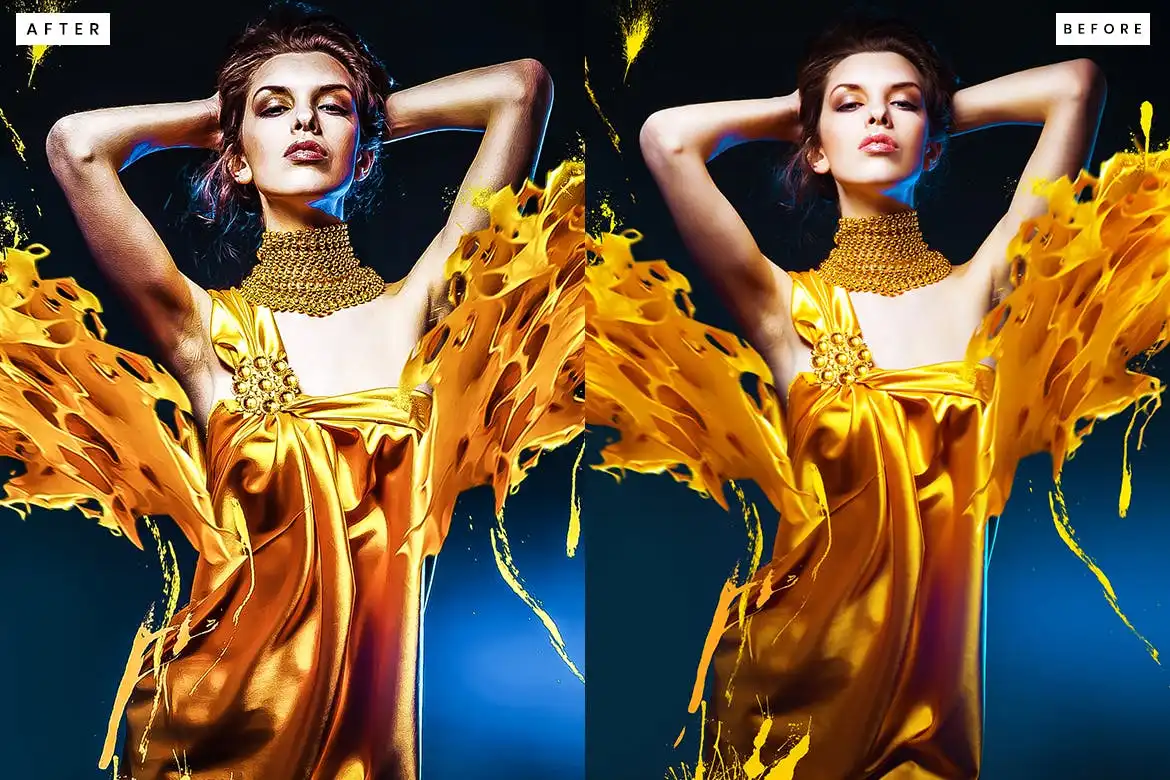
The classic HDR effect done right! 🌟 This action enhances every detail from shadows to highlights for a super crisp, dramatic look.
10 Skin Retouch Photoshop Action
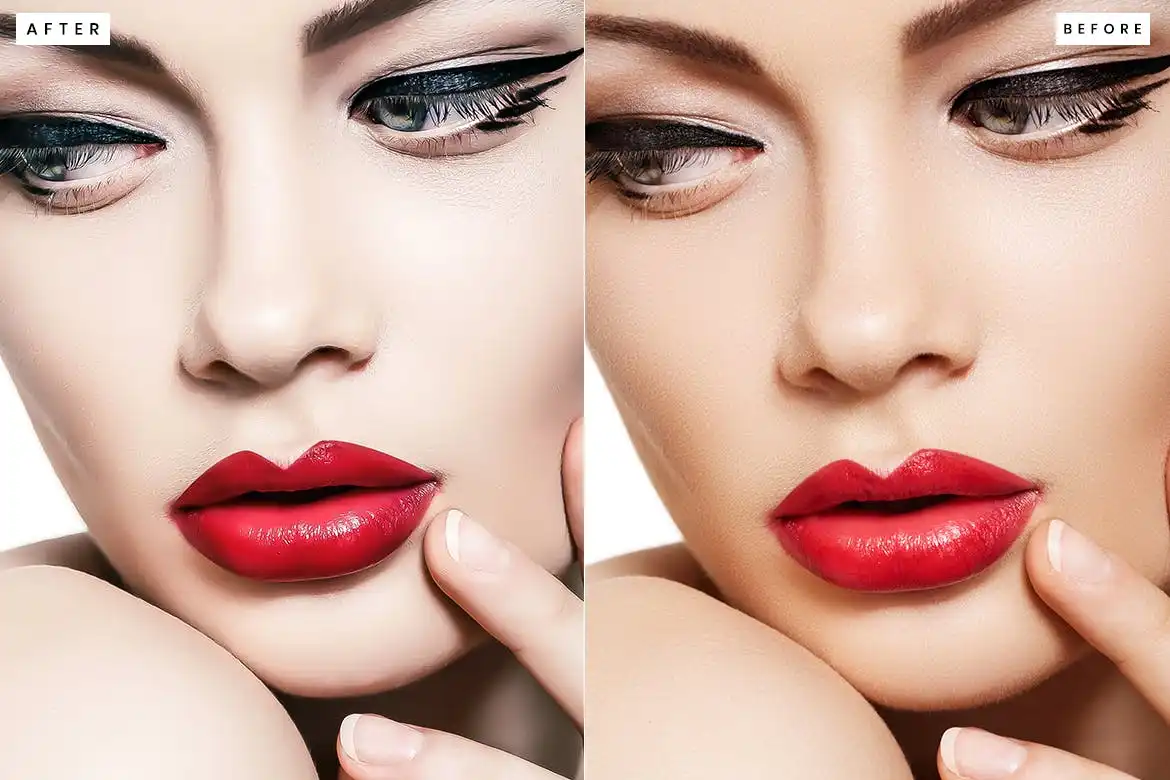
The retoucher’s best friend! 💁♀️ This action delivers flawless, porcelain skin in record time—without making it look fake or plastic.
Conclusion
And there you have it—20 incredible Photoshop actions from the masterminds at Graphicsgol! 🤯 Whether you want to go cinematic, matte, painterly, or neon, this collection has something to supercharge every project you touch. These aren’t just time-savers; they’re creative catalysts that help you push boundaries and wow your audience. So go ahead, click that button, and start transforming your world one photo at a time! 🚀✨
Frequently Asked Questions
What exactly is a Photoshop Action, and how do I use it?
A Photoshop Action is a recorded sequence of steps that you can play back with a single click. To use them, simply open your image in Photoshop, load the .atn file, hit the “Play” button in the Actions panel, and watch the magic happen! 🧙♂️
Do these Graphicsgol actions work on all versions of Photoshop?
Yes! These actions are designed to be compatible with a wide range of Photoshop versions, including CS4, CS5, CS6, and all versions of CC (Creative Cloud). Just make sure you are working on an 8-bit RGB image for best results. 👍
Can I customize the effects after applying an action?
Absolutely! While the action does the heavy lifting, it leaves all the layers and adjustments organized in your Layers panel. You can tweak the opacity, change the blending modes, or use masks to fine-tune the final look and make it truly your own. 🎨


